Water Jam Sort: Water Sort icon

Water Jam Sort: Water Sort

Ladaneta Games

Brain Training
4.9(4.3K ratings)
Free
Create Screenshots Like Water Jam Sort: Water Sort

App Store Screenshots (10)
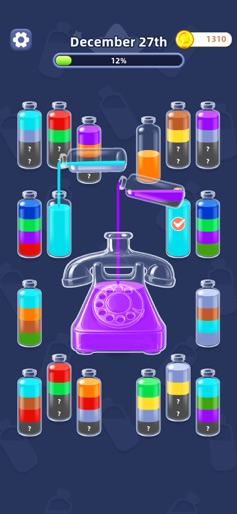
Water Jam Sort: Water Sort screenshot 1
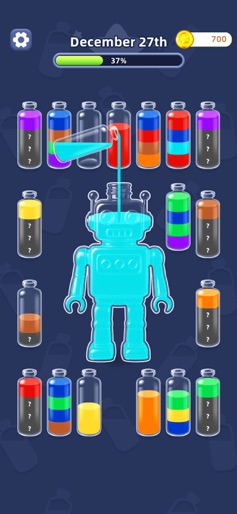
Water Jam Sort: Water Sort screenshot 2
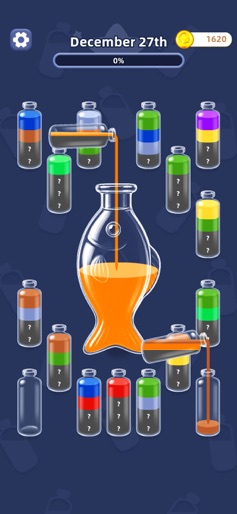
Water Jam Sort: Water Sort screenshot 3
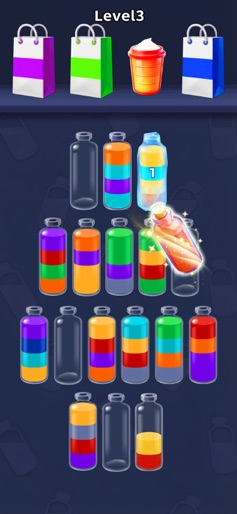
Water Jam Sort: Water Sort screenshot 4
Water Jam Sort: Water Sort screenshot 5
Water Jam Sort: Water Sort screenshot 6
Water Jam Sort: Water Sort screenshot 7
Water Jam Sort: Water Sort screenshot 8
Water Jam Sort: Water Sort screenshot 9
Water Jam Sort: Water Sort screenshot 10

Design Analysis

Visual Design

App Insights

About Water Jam Sort: Water Sort

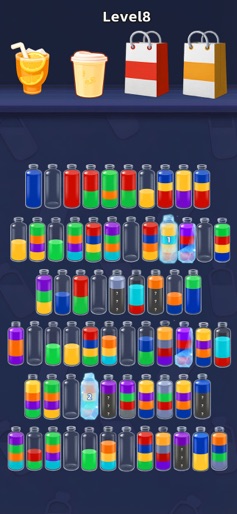
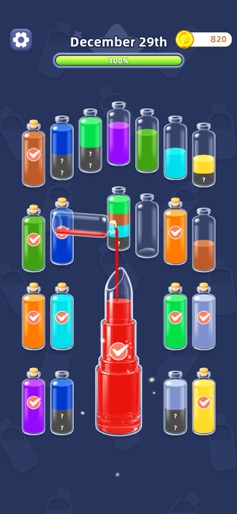
Colors, puzzles, and good vibes—all in one spot. Starting is a breeze. Pour, sort, and watch those colors fall into place. Great for unwinding, but it also gives your brain a nice little stretch. The colors here pop! Bright, cheerful, and easy on the eyes. Every tap feels like a tiny party for your vision. And the fun doesn’t stop there. It’s not just about pouring. There are magic bottles, ones that zip liquids around, some that freeze things up, and others hiding surprises. Tons of cool twists to keep things fresh. Ready to untangle those colorful puzzles? Dive in. Every small win feels amazing. Let the sorting fun begin!

Create screenshots like Water Jam Sort: Water Sort

Use FlyerBanana's free editor to create professional App Store screenshots inspired by Water Jam Sort: Water Sort's design. 100+ templates, device frames, and one-click export.


More Brain Training Apps

View all

Frequently Asked Questions

How can I create screenshots like Water Jam Sort: Water Sort?
You can create App Store screenshots inspired by Water Jam Sort: Water Sort using FlyerBanana's free screenshot editor. Choose from 100+ templates, customize colors, text, and device frames, then export in all required sizes.
What screenshot sizes does Water Jam Sort: Water Sort use?
Water Jam Sort: Water Sort uses standard App Store screenshot sizes including 6.7" (1290×2796px), 6.5" (1284×2778px), and 5.5" (1242×2208px) for iPhones. FlyerBanana supports all required sizes with one-click export.
Can I use Water Jam Sort: Water Sort's screenshot style for my app?
Yes! While you shouldn't copy screenshots directly, you can use Water Jam Sort: Water Sort's design patterns as inspiration. FlyerBanana's templates let you create professional screenshots with similar layouts, color schemes, and visual styles.
What makes good Brain Training app screenshots?
The best Brain Training app screenshots clearly showcase key features, use consistent branding, include compelling copy, and follow App Store guidelines. Browse our Brain Training inspiration gallery to see what top apps do well.