
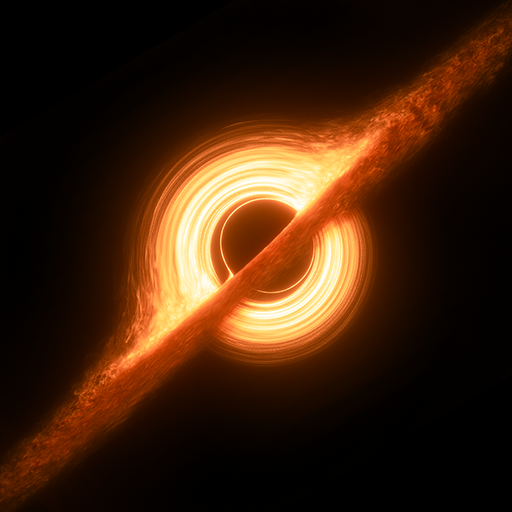
App Store Screenshots (8)


Design Analysis
Visual Design
Style: Custom
Key Features Shown
- •Spacecraft flight simulation
- •First-person planetary exploration
- •Orrery/Solar System view
- •Black hole visualization
- •Exoplanet landscapes
App Insights
Target: Space enthusiasts, amateur astronomers, students, and sci-fi fans interested in interactive celestial exploration.
- •In-App Purchases
- •Ad-supported
- •Cross-platform traffic (Web/Mobile)
ASO Keywords:
About Stars and Planets
Experience the captivating wonders of the cosmos with Stars and Planets, an interactive 3D planetarium powered by precise data obtained from NASA and ESA space missions. Delve into a profound expedition through the infinite expanse of space, where an abundance of knowledge is readily available, directly sourced from the forefront of groundbreaking space research. Traverse the vast expanse of the galaxy, soaring through the stardust as you journey to millions of stars. Land on alien planets and exomoons, where breathtaking landscapes and untold wonders await your arrival. Embrace the thrill of plunging into the turbulent atmospheres of gas giants to reach their elusive cores. Push the boundaries of exploration as you venture closer to black holes, pulsars and magnetars, where the laws of physics are stretched to their limits. With Stars and Planets, the entire universe becomes your playground, providing an unmatched platform for discovery and enlightenment. Features ▶ Immersive spacecraft simulation allowing users to fly to different planets and moons and explore the depths of gas giants ▶ Land on exoplanets and take command of a character, exploring the unique surfaces of these distant worlds ▶ Daily updated information on exoplanets from multiple sources, eliminating the need for manual application updates ▶ Extensive online database encompassing approximately 7.85 million stars, over 7400 exoplanets, 205 circumstellar disks, 32868 black holes, 3344 pulsars and over 150 moons in our Solar System ▶ Comprehensive search system for efficient data retrieval of stellar and substellar objects ▶ Global accessibility with support for over 100 languages Data imported from various sources including: SIMBAD, The Extrasolar Planets Encyclopedia, NASA Exoplanet Archive, Planet Habitability Laboratory Join my discord server so you can see what new features are planned in the future or if you simply want to talk about space related stuff: https://discord.gg/dyeu3BR If you have a PC/Mac you can also access Stars and Planets from your browser here: https://galaxymap.net/webgl/index.html
Create screenshots like Stars and Planets
Use FlyerBanana's free editor to create professional App Store screenshots inspired by Stars and Planets's design. 100+ templates, device frames, and one-click export.










