Smart Timetable: Daily Planner icon

Smart Timetable: Daily Planner

Denis Kravcov

Education
4.6(3.3K ratings)
Free
Create Screenshots Like Smart Timetable: Daily Planner

App Store Screenshots (9)
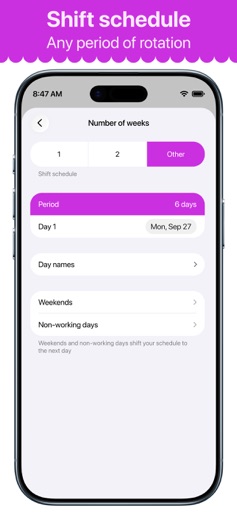
Smart Timetable: Daily Planner screenshot 1
Smart Timetable: Daily Planner screenshot 2
Smart Timetable: Daily Planner screenshot 3
Smart Timetable: Daily Planner screenshot 4
Smart Timetable: Daily Planner screenshot 5
Smart Timetable: Daily Planner screenshot 6
Smart Timetable: Daily Planner screenshot 7
Smart Timetable: Daily Planner screenshot 8
Smart Timetable: Daily Planner screenshot 9

Design Analysis

Visual Design

App Insights

About Smart Timetable: Daily Planner

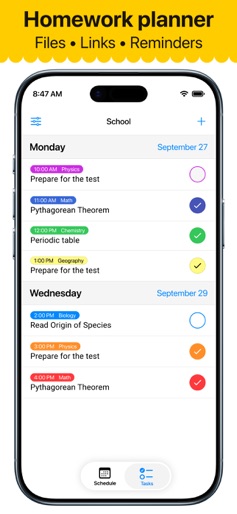
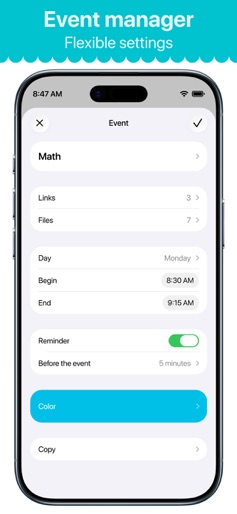
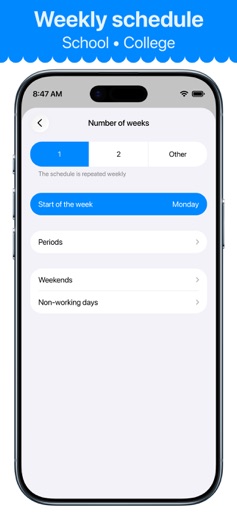
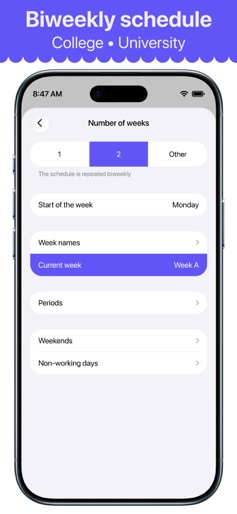
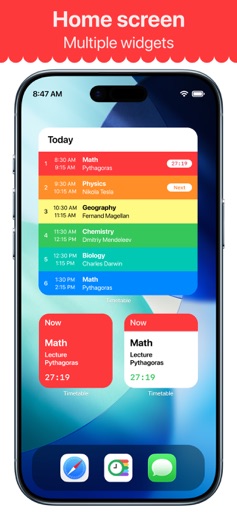
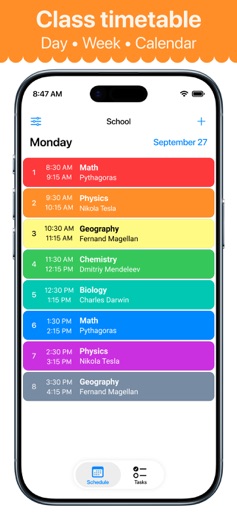
Class schedule for students, teachers and parents. Features: • Friendly support. • Multiple schedules at once. • Rotating schedule support. • Schedules for 1, 2, 3, or 4 weeks. • Today widget with countdown timer. • iCloud schedule synchronization. • Lesson and assignment notifications. • Photos, videos, audio for your tasks. • Application and widget for Apple Watch. • Sending schedules to friends and coworkers. • Chart with useful info about your schedules. • Sync schedules with Apple Calendar. • Siri Shortcuts and Voice commands. • Support iPhone, iPad, Apple Watch. • Available for your Mac. This application helps you create as many schedules as you need for anything you might be planning. School, college, gym - you can easily manage it all in one application: Smart Timetable. User-friendly application widgets display relevant information - whether it’s the current lesson, next lesson, or tomorrow's lesson. The widget automatically switches to the next school day when today's classes are over. The current lesson time will show you how much time is left until it is completed. The timer is available on the Today widget, as well as on the Apple Watch face. Developer's website: https://smart-timetable.app Privacy policy: https://smart-timetable.app/docs/privacy-policy.html Terms of use: https://smart-timetable.app/docs/terms-of-use.html

Create screenshots like Smart Timetable: Daily Planner

Use FlyerBanana's free editor to create professional App Store screenshots inspired by Smart Timetable: Daily Planner's design. 100+ templates, device frames, and one-click export.


More Education Apps

View all

Frequently Asked Questions

How can I create screenshots like Smart Timetable: Daily Planner?
You can create App Store screenshots inspired by Smart Timetable: Daily Planner using FlyerBanana's free screenshot editor. Choose from 100+ templates, customize colors, text, and device frames, then export in all required sizes.
What screenshot sizes does Smart Timetable: Daily Planner use?
Smart Timetable: Daily Planner uses standard App Store screenshot sizes including 6.7" (1290×2796px), 6.5" (1284×2778px), and 5.5" (1242×2208px) for iPhones. FlyerBanana supports all required sizes with one-click export.
Can I use Smart Timetable: Daily Planner's screenshot style for my app?
Yes! While you shouldn't copy screenshots directly, you can use Smart Timetable: Daily Planner's design patterns as inspiration. FlyerBanana's templates let you create professional screenshots with similar layouts, color schemes, and visual styles.
What makes good Education app screenshots?
The best Education app screenshots clearly showcase key features, use consistent branding, include compelling copy, and follow App Store guidelines. Browse our Education inspiration gallery to see what top apps do well.