
App Store Screenshots (8)



Design Analysis
Visual Design
App Insights
About MapXplorer: Map Radar Navigate
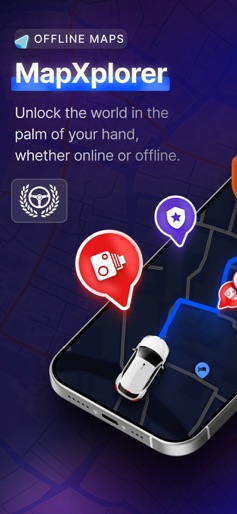
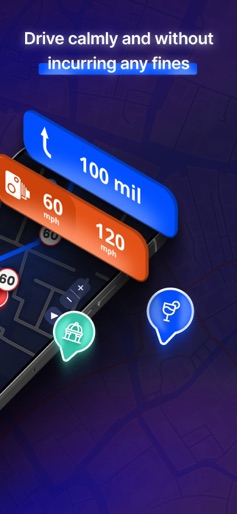
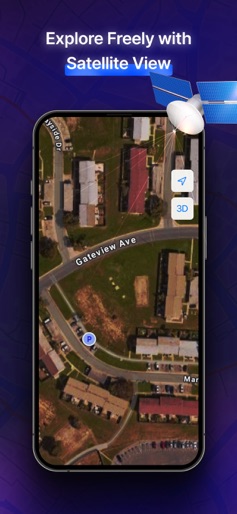
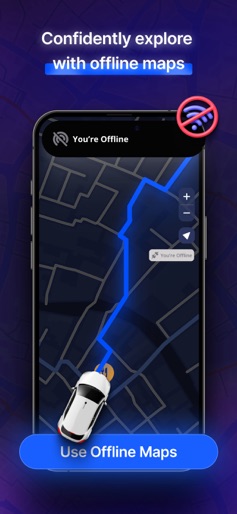
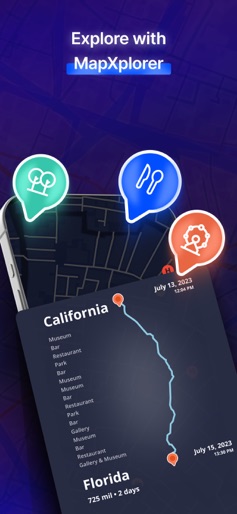
Explore the world with Mapxploler! Enjoy advanced offline maps, speed alerts, navigation, radar... Subscribe now for premium features and a smarter travel experience! Navigation-Radar: Safe and Easy Travel with Advanced Maps With Navigation-Radar, every journey becomes less stressful and more rewarding. Instead of worrying about wrong turns or poor signals, you enjoy confidence, safety, and freedom. The combination of map, navigation, and gps tools gives you control of your travel experience so you can focus on what matters most—getting there comfortably and on time. Travel Smarter, Save Time Avoid fines and stressful surprises with real-time alerts. The gps tracker, tracking devices, and hud display keep you informed of speed limits, radar zones, and hazards. This means fewer distractions, safer driving, and peace of mind on every route. Stay Connected Anywhere Don’t let a weak signal stop your adventure. With offline map support, you always have access to your planned route. Combined with organic map design, your navigation feels natural and reliable. The gps map camera helps you capture and review your journeys so you can always retrace your steps. Maximize Every Journey Find fuel, food, or hotels instantly with smart search. Save your favorite places, bookmark routes, and review your travel history through the gps tracker. Supported by tracking devices, hud integration, and layered organic map views, you travel with confidence knowing everything you need is at your fingertips. Your Benefit Navigation-Radar isn’t just about maps—it’s about giving you more freedom, safety, and efficiency. You save time, reduce stress, and enjoy complete control of your travels. With tools like the gps map camera, detailed maps, and precise navigation, your journeys become easier, smoother, and more enjoyable. Download Navigation-Radar today and take control of your travel. Get there faster, safer, and smarter. Your subscription automatically renews, ensuring you never miss a moment of enhanced app usage. However, you have the flexibility to manage your subscription settings and turn off auto-renewal at any time from your account preferences. Privacy Policy: https://www.goldlabtechnology.com/privacy-policy.html Terms of Use: https://www.goldlabtechnology.com/end-user-license-agreement/
Create screenshots like MapXplorer: Map Radar Navigate
Use FlyerBanana's free editor to create professional App Store screenshots inspired by MapXplorer: Map Radar Navigate's design. 100+ templates, device frames, and one-click export.
More Maps & Navigation Apps
View all

United Airlines
Maps & Navigation


Google Maps
Maps & Navigation


Southwest Airlines: Travel App
Maps & Navigation


The Weather Channel - Radar
Maps & Navigation


Expedia: Hotels, Flights, Cars
Maps & Navigation


Waze Navigation & Live Traffic
Maps & Navigation