

App Store Screenshots (8)
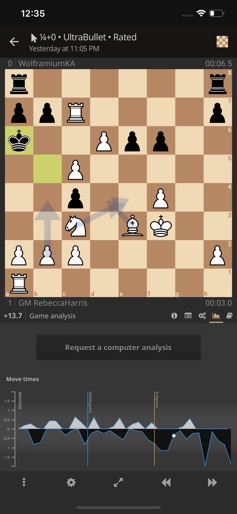
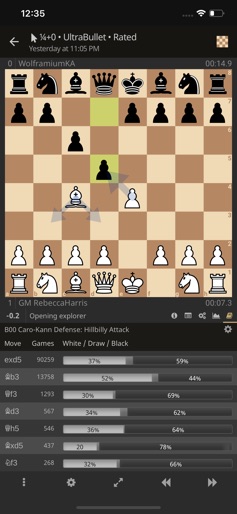
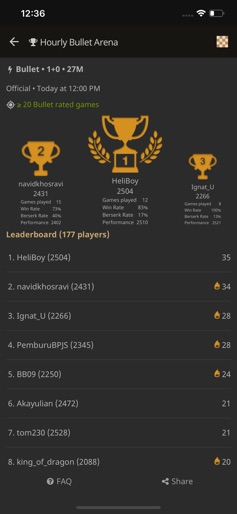
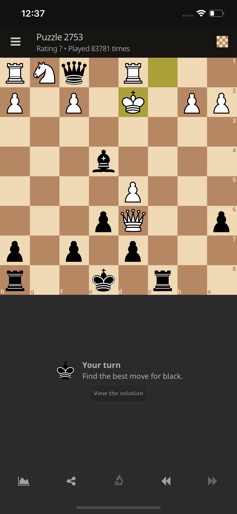
Design Analysis
Visual Design
Style: Custom
Key Features Shown
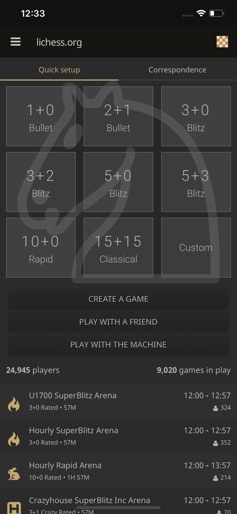
- •Quick Game Setup Grid
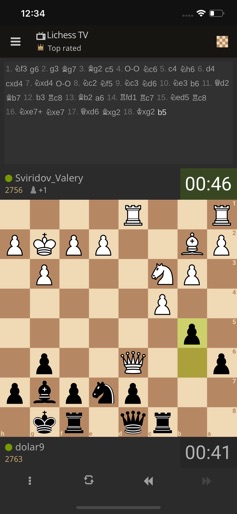
- •Lichess TV (Spectator Mode)
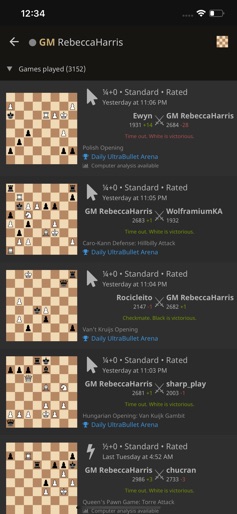
- •Game History List
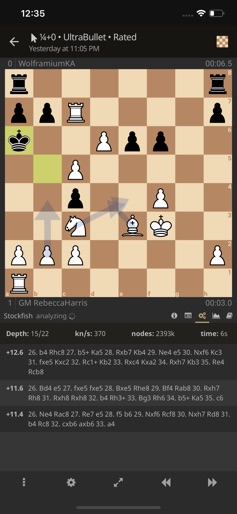
- •Stockfish Analysis Engine
- •Move Time Graph
App Insights
Target: Hardcore chess enthusiasts, students of the game, and privacy-conscious users seeking an ad-free, open-source alternative to commercial platforms.
- •Donations (External)
- •Open Source Contributions
ASO Keywords:
About Lichess
Built for the love of chess, this app is open source and free for all. - 150 000 individual users daily and growing fast. - Play bullet, blitz, classical, and correspondence chess - Play in arena tournaments - Find, follow, challenge players - See your games stats - Practice with chess puzzles - Many variants, available online and offline: Crazyhouse, Chess 960, King Of The Hill, Three-check, Antichess, Atomic chess, Horde, Racing Kings! - Game analysis with local computer evaluation - Server computer analysis with move annotations and game summary - Opening explorer - Play against offline computer - Over The Board mode to play offline with a friend - Standalone chess clock with multiple time settings - Board editor - Available in 80 languages - Designed for both phones and tablets, supporting landscape mode - 100% free, without ads, and opensource! Chess variants are supported! Try them all: - Crazyhouse: every time a piece is captured the capturing player gets a piece of the same type and of their color in their pocket. - Chess960: pieces on the home rank are randomised. - King Of The Hill: bring your king to the center to win. - Threecheck: check the opponent king three times. - Antichess: lose all your pieces to win. - Atomic Chess: nuke the opponent. - Horde: destroy the horde to win. - Racing Kings: Race your king to the eighth rank to win. Just like http://lichess.org, this application is open source, and respects user freedom. It is entirely free and without ads, now and forever. Learn more about lichess philosophy: http://lichess.org/blog/U4skkUQAAEAAhIGz/why-is-lichess-free Source code of the mobile application: https://github.com/veloce/lichobile Source code of the website and server: https://github.com/ornicar/lila Big thanks to the volunteers behind this app: - Vincent Velociter (lead dev) https://github.com/veloce - Renaud Bressand (design) https://twitter.com/RenaudBressand - Thibault Duplessis (dev) https://github.com/ornicar - Sebastien Renault (dev of stockfish plugin) https://github.com/srenault - Mark Henle (dev) https://github.com/freefal Check out the app page on http://lichess.org/mobile, and follow us on twitter for updates: https://twitter.com/lichessorg
Create screenshots like Lichess
Use FlyerBanana's free editor to create professional App Store screenshots inspired by Lichess's design. 100+ templates, device frames, and one-click export.










