

App Store Screenshots (10)
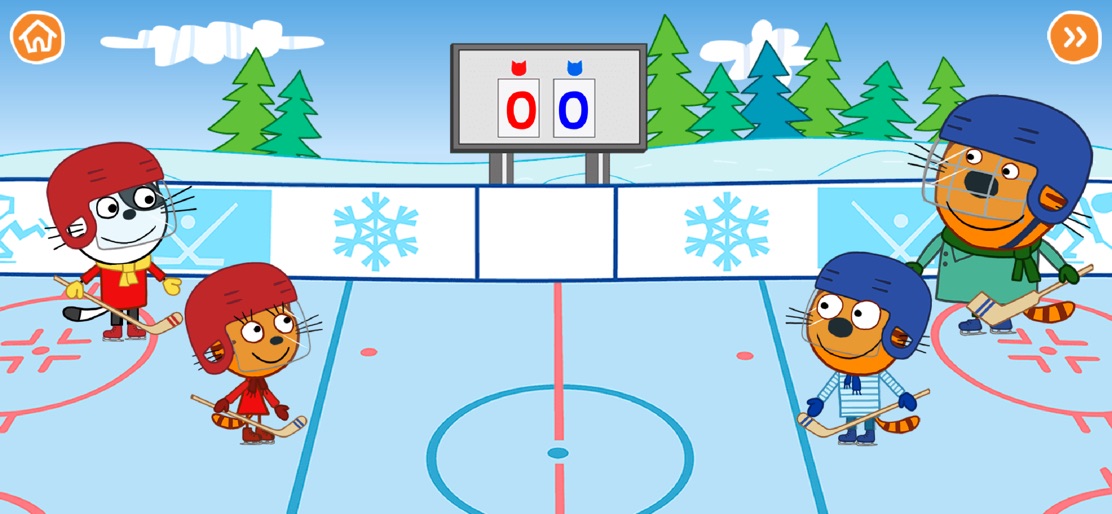
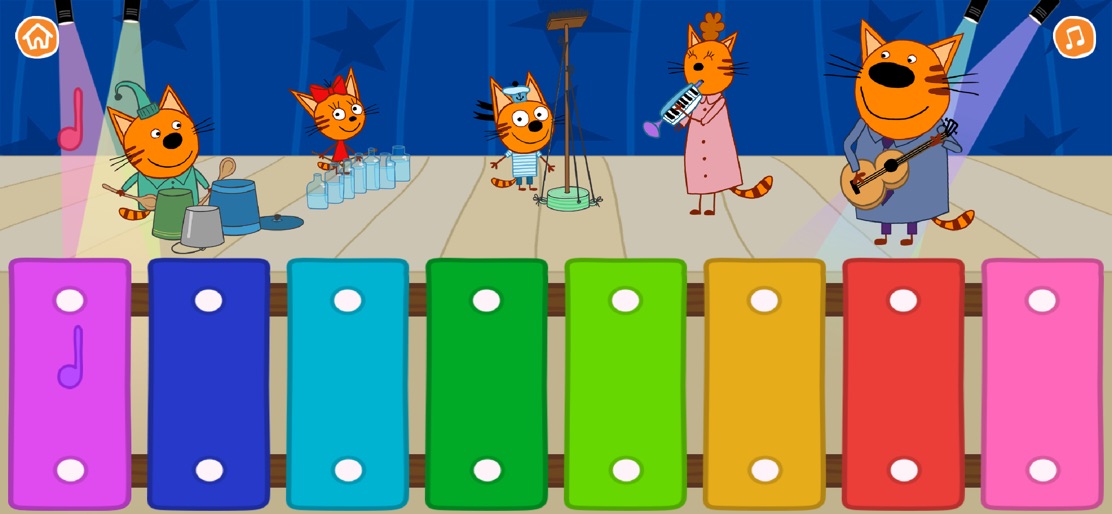
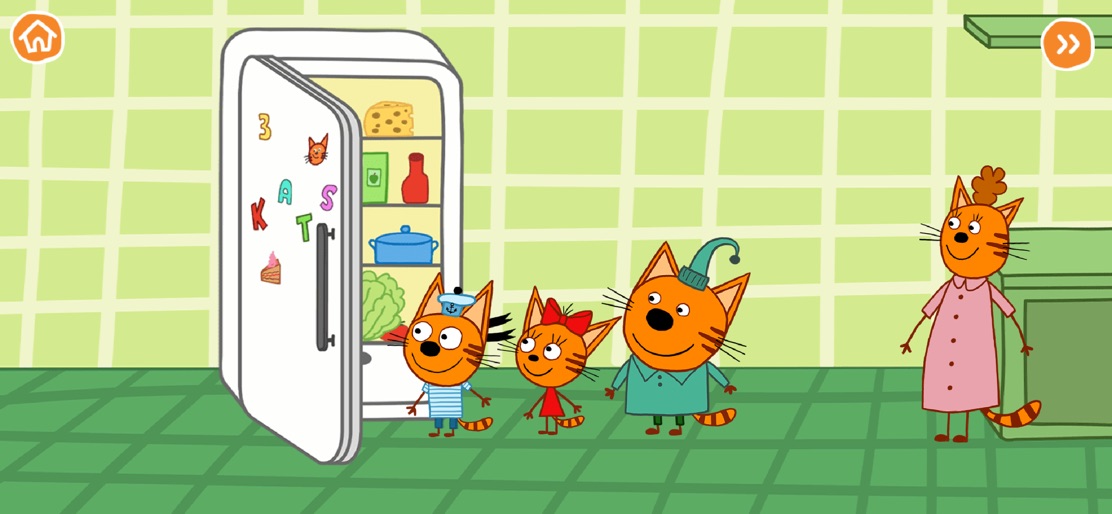
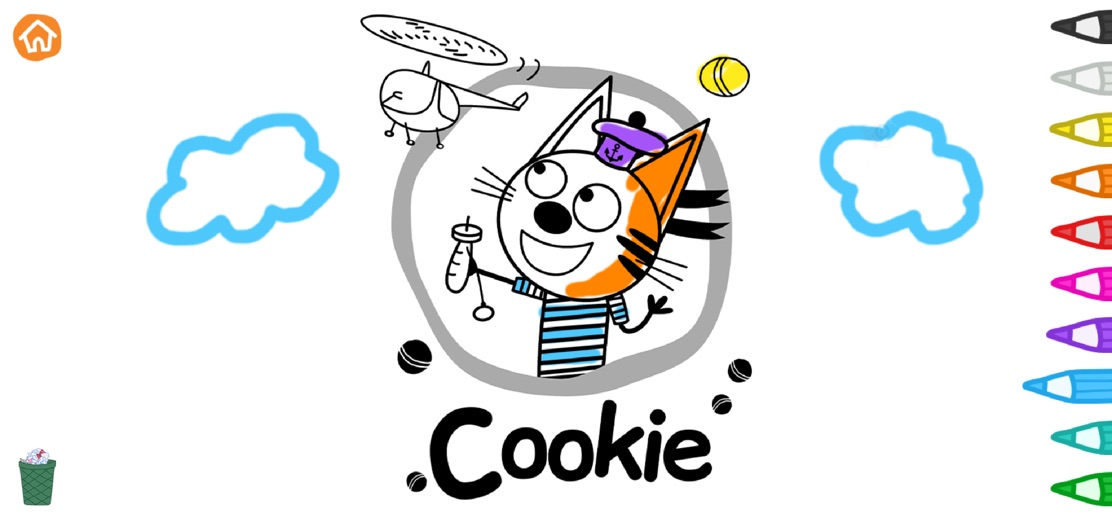


Design Analysis
Visual Design
Style: Custom
Key Features Shown
- •Ice Hockey Mini-game
- •Musical Xylophone
- •Kitchen/Roleplay
- •Coloring Book
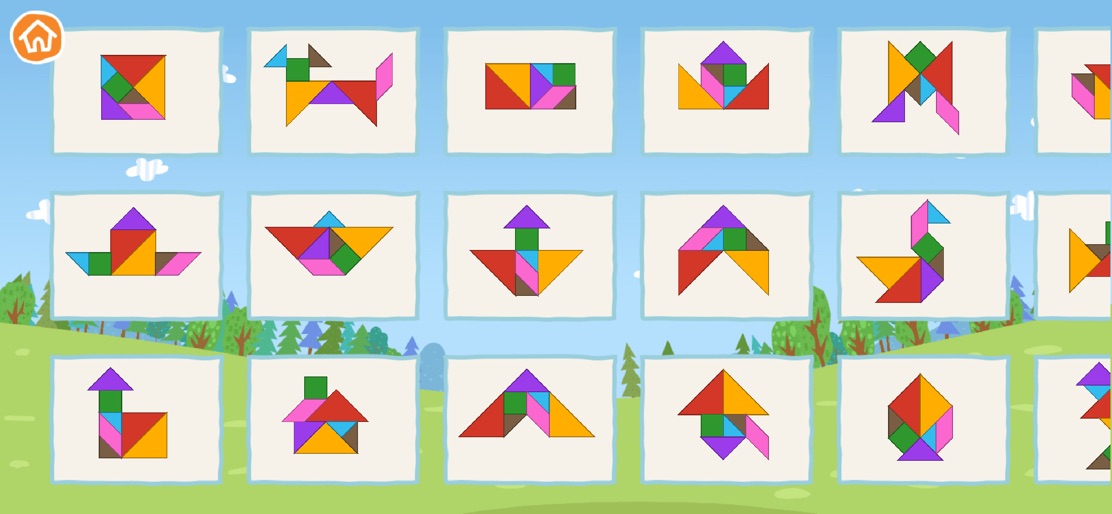
- •Tangram Puzzles
App Insights
Target: Parents of preschoolers and young children (ages 2-6) who are fans of the Kid-E-Cats (Three Cats) animated series.
- •In-App Purchases
- •Subscription
- •Ad-supported
ASO Keywords:
About Kid-E-Cats. Educational Games
Educational games in English. Have fun and learn with Kid-E-Cats! Meow-wow! Have fun and learn with the educational games of Three cats! Edujoy presents a collection of 30 fun games aimed at all ages to develop different skills and stimulate creativity. All games are starring the funny cats of the well-known international television series Three cats. Develop learning skills accompanied by Candy, Cookie and Pudding among other characters. Meow-wow! TYPES OF GAMES - Puzzles: Learn the countries of the world by doing fun puzzles. - Maths and numbers: perform simple operations and learn numbers. - Visual perception: exercise visual skills through educational games. - Paint and color: make colorful mosaics and awake your creativity by creating your own art works. - Memory games: find the right match and more games to stimulate visual memory. - Deduction games: complete logical series of elements. - Labyrinths: stimulate attention by finding the correct exit from the labyrinth. - Coordination: exercise fine motor skills with coordination games - Words and letters: learn new words and have fun playing word search. - Piano: show your musical skills by creating melodies with the piano. The happy adventures of kittens emphasize the social and emotional development with a special focus on friendship, family and thinking before acting. APP FEATURES - 30 educational and interactive games - Amazing designs and characters - Animations and funny sounds - Easy and intuitive interface - Stimulates imagination and creativity - Stimulate fine motor skills - Completely free game ABOUT EDUJOY Thank you very much for playing Edujoy games. We love creating fun and educational games for all ages. If you have any question or suggestion about Three cats Educational games, you can contact us through the developer's contact or through our social media profiles: @edujoygames
Create screenshots like Kid-E-Cats. Educational Games
Use FlyerBanana's free editor to create professional App Store screenshots inspired by Kid-E-Cats. Educational Games's design. 100+ templates, device frames, and one-click export.










