
App Store Screenshots (10)


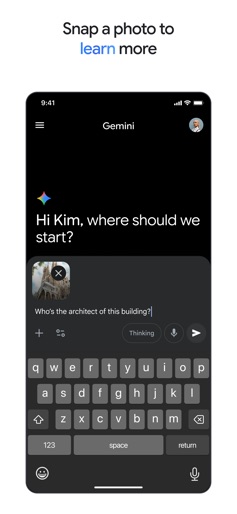
Design Analysis
Visual Design
App Insights
About Google Gemini
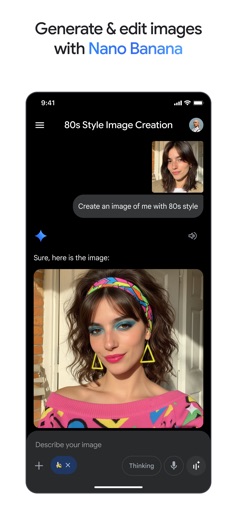
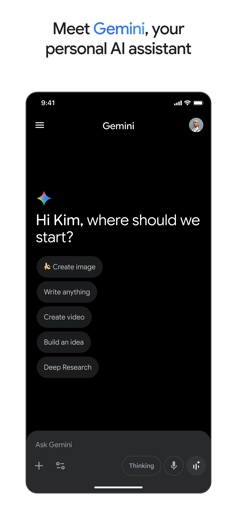
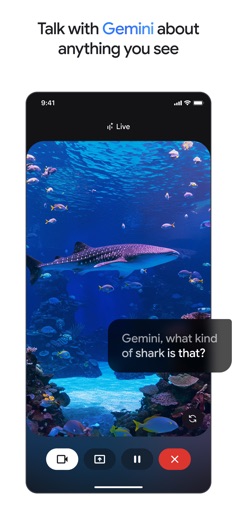
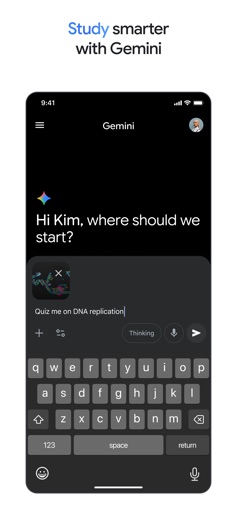
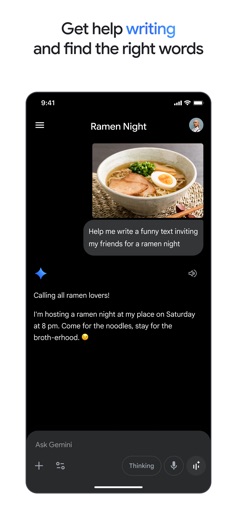
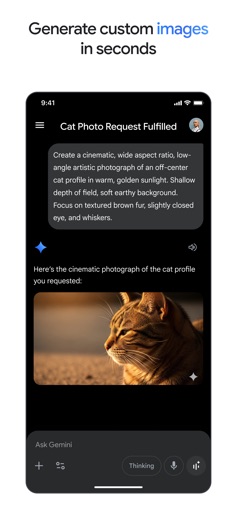
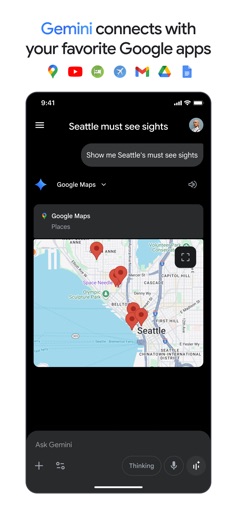
Google Gemini app is your personal, proactive and powerful AI Assistant. With Gemini on your iPhone or iPad, you can: - Enjoy fast and unlimited prompting powered by our biggest upgrade yet, Gemini 3 Flash - Go Live with Gemini to brainstorm ideas, simplify complex topics, and rehearse for important moments. Share your camera or screen to talk with Gemini about anything you see. - Create mockups by blending images, design posters with sharp text, and effortlessly build diagrams with Nano Banana - Bring your ideas from prompt to prototype, create apps, games, web pages, infographics, podcasts, and more with Canvas - Connect with your favorite Google apps like Search, YouTube, Google Maps, Gmail, and more - Study smarter and explore any topic with quiz and flashcard creation, interactive visuals, and real-world examples - Turn any file into a podcast that you can listen to anytime, anywhere - Create and edit stunning images from just a few words - Plan trips better and faster - Get summaries, deep dives, and source links, all in one place - Brainstorm new ideas, or improve existing ones Pro and Ultra users get highly personalized help with everything from vacation ideas, project plans, and more. Gemini uses context from Gmail, Google Photos, YouTube, Search, and your previous chats to provide suggestions tailored to your world. Level up your Gemini app experience by upgrading to the Google AI Pro plan, helping you tackle complex tasks and projects. Enjoy higher access to our most capable model 3 Pro, Deep Research on 3 Pro and video generation with Veo 3.1 Fast. Gemini app, as part of Google AI Pro, is available to qualifying Google Workspace business and education plans. Learn more: https://gemini.google/subscriptions/ Get the best of Gemini app by upgrading to the Google AI Ultra plan–unlock the highest level of access to the best of Google AI and exclusive features. Get the highest access to Google's most powerful model, like 3 Pro, features like video generation with Veo 3.1, Deep Research on 3 Pro, and unlock Gemini 3 Deep Think. You'll also get early access to try our newest AI innovations as they become available, including Agent Mode. Google AI Ultra for Business is available as an add-on to Google Workspace customers. Learn more: https://support.google.com/a/answer/16345165 While Gemini can help you with many tasks like checking the weather, giving directions, finding and summarizing information across the web and apps, Gemini does not yet support device actions like setting an alarm, sending a text message, and others on iOS. Review the Gemini Apps Privacy Notice: g.co/gemini/privacynotice
Create screenshots like Google Gemini
Use FlyerBanana's free editor to create professional App Store screenshots inspired by Google Gemini's design. 100+ templates, device frames, and one-click export.










