
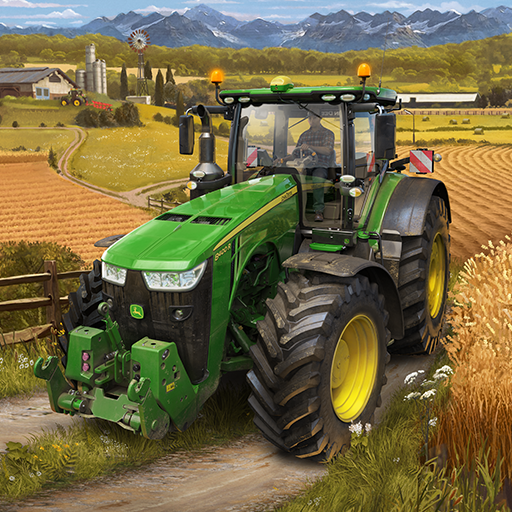
Farming Simulator 20
GIANTS Software
App Store Screenshots (7)


Design Analysis
Visual Design
App Insights
About Farming Simulator 20
Step into the exciting world of farming with Farming Simulator 20! Harvest many different crops, tend to your livestock of pigs, cows, and sheep, and now ride your own horses, letting you explore the vast land around your farm in a brand-new way. Sell your products in a dynamic market to earn money which you can invest in additional machinery and the expansion of your farm. In Farming Simulator 20 you take control of over 100 vehicles and tools faithfully recreated from leading brands in the industry. For the first time on mobile platforms this includes John Deere, the largest agriculture machinery company in the world. Drive other famous farming brands such as Case IH, New Holland, Challenger, Fendt, Massey Ferguson, Valtra, Krone, Deutz-Fahr and many more. Farming Simulator 20 features a new North American environment in which to develop and expand your farm. Enjoy many exciting farming activities, including new machinery and crops with cotton and oats. Features of Farming Simulator 20 include: • Use over 100 realistic vehicles and tools from some of the biggest agriculture machine makers • Plant and harvest different crops: Wheat, barley, oat, canola, sunflowers, soybean, corn, potatoes, sugar beet and cotton • Feed your cows and sheep to produce and sell milk and wool • Take care of horses and ride on them to freely explore the world around your farm • New 3D graphics show even more detail on your machinery and the Northern American environment • Cockpit view lets you drive in your vehicles in an even more realistic way than before
Create screenshots like Farming Simulator 20
Use FlyerBanana's free editor to create professional App Store screenshots inspired by Farming Simulator 20's design. 100+ templates, device frames, and one-click export.










