
ezClocker: Employee Time Track
ezNova Technologies DBA ezClocker
Create Screenshots Like ezClocker: Employee Time TrackApp Store Screenshots (8)

Design Analysis
Visual Design
App Insights
About ezClocker: Employee Time Track
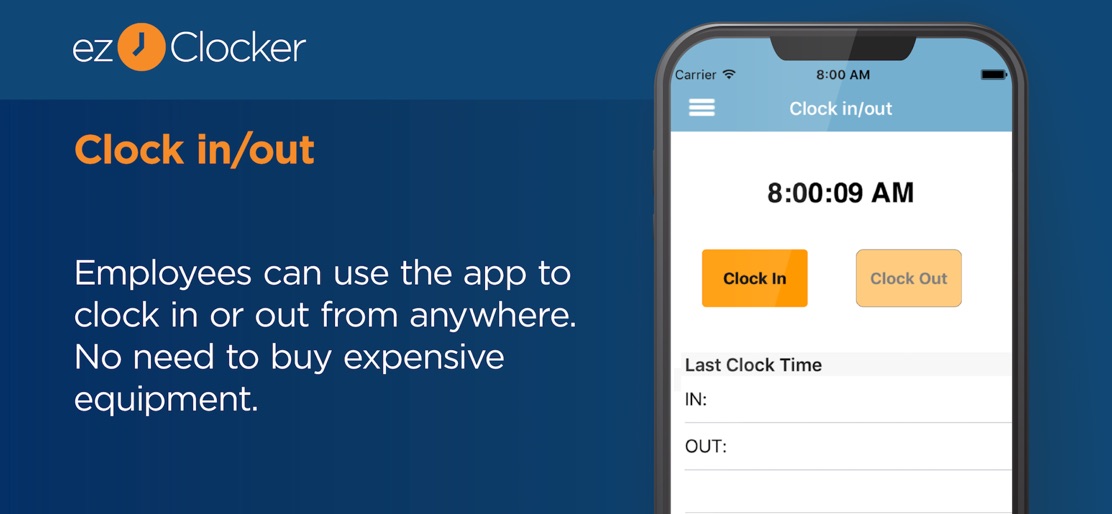
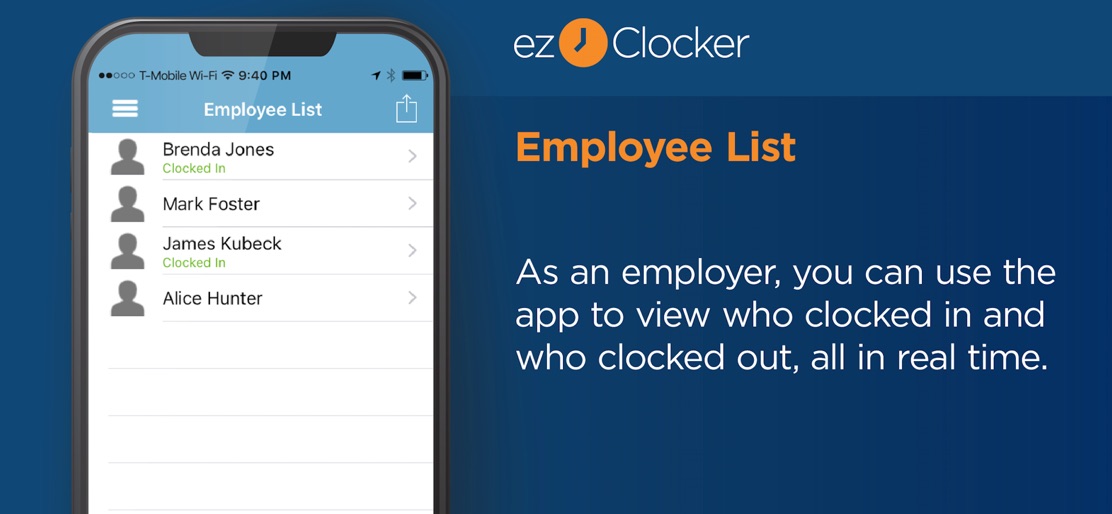
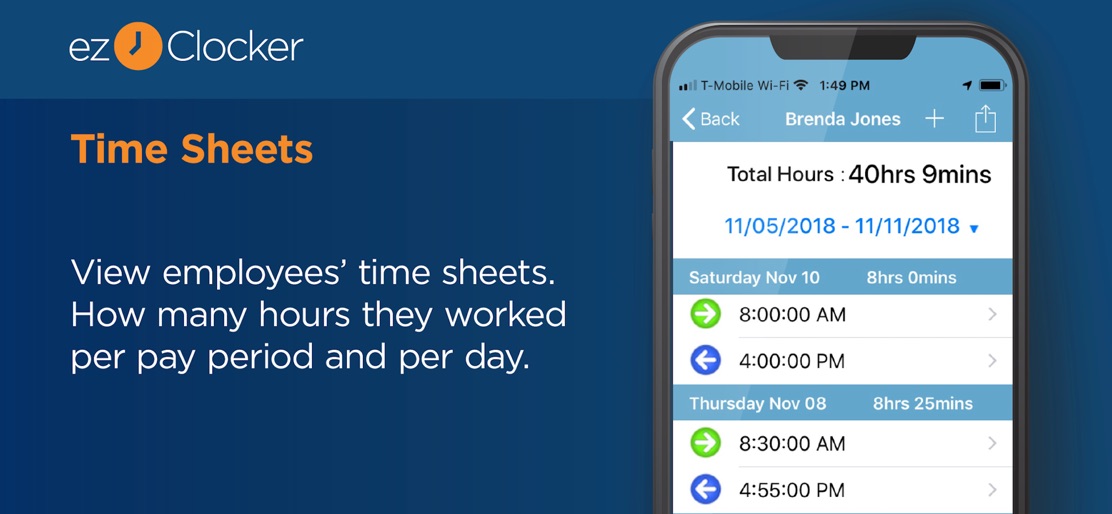
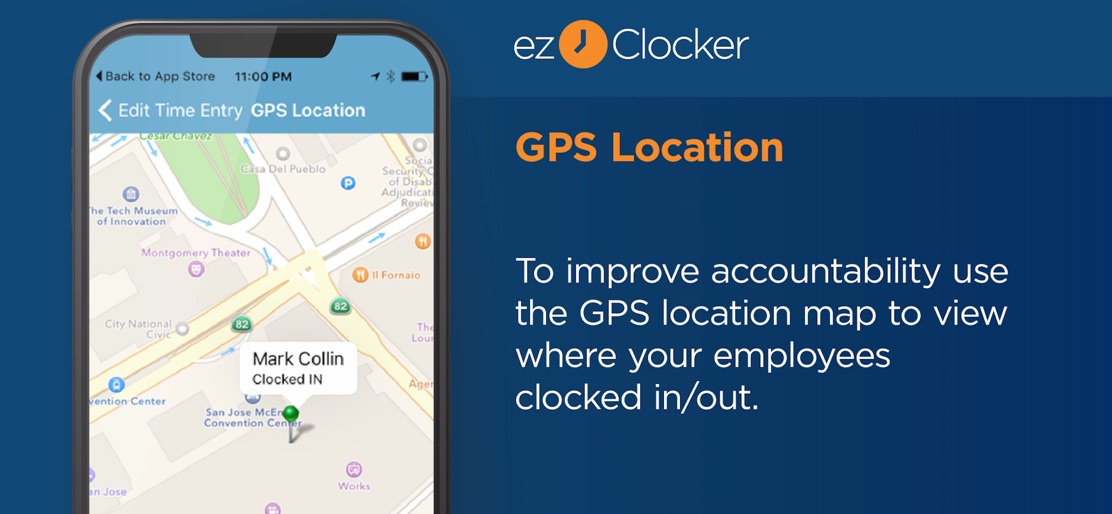
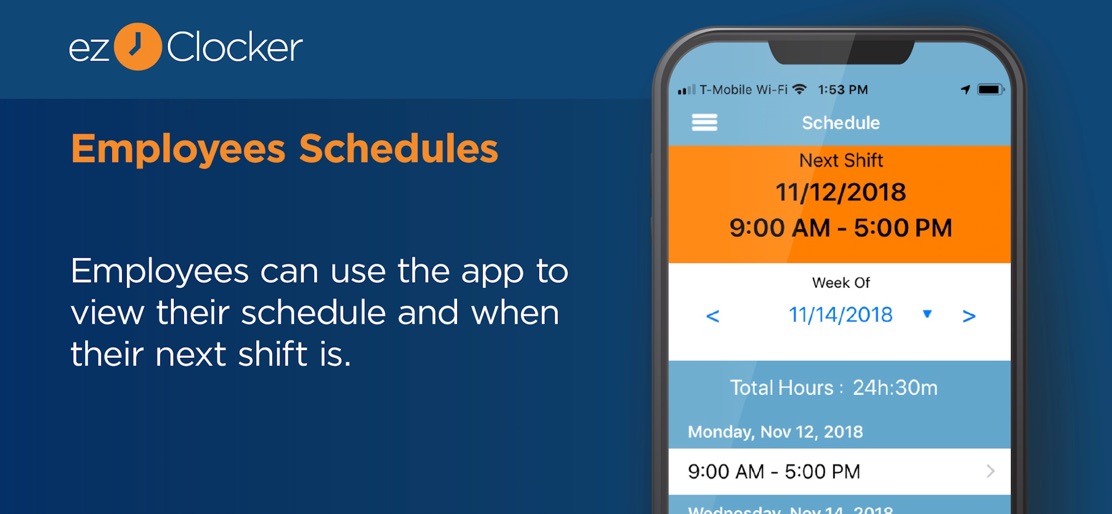
Easy to use and affordable employee time tracking with GPS verification. Try it today and see how easy it is to manage your employees' hours. ezClocker is a simple to use employee time tracking and shift scheduling tool with GPS map to verify clock in and out locations. Ideal for any business with remote employees or those looking to replace the traditional time card system with something more modern and streamlined, ezClocker lets you provide your employees with a time clock on their mobile device! ***If you’re a freelancer or you want an app that allows you to track your personal work hours, download ezClocker Personal!*** ezClocker makes your life easier by allowing you to modify and review timesheets, export data for payroll, create shift schedules for employees and much more! Simple and convenient to use, now you can focus more of your time on your business and customers, and less time managing your employees! ------------------------------------------------ Why businesses LOVE ezClocker! ------------------------------------------------ • Easy to use, employees can clock in with a tap of a button using their mobile phone. • Built-in GPS map shows where employees clock in and out (does not track their movements). • Affordable! monthly subscription plans start at $14.99/month covering up to 15 employees with no hidden fees. • Create shift schedules using the app or website in real-time. • All data is stored in the secure ezClocker Cloud – 24/7 access via the website or app. • Review & modify employee time sheets. • Export data to a .csv / Excel file and email it to yourself or your accountant in seconds. • Streamline and modernize the traditional time card system. ------------------------------------------------ ezClocker Business is perfect for… ------------------------------------------------ • Construction companies • Janitorial businesses • Contractors • Landscape businesses • Home Healthcare • Sales departments • Physician offices … and so much more! In-App Purchases: After your 30 days free trial, if you have more than 1 employee you will need to purchase a monthly subscription that will get automatically renewed every month. Monthly subscriptions start at $14.99 based on the number of employees you have and what features you need: -Up to 15 Employees for $14.99 -Up to 30 Employees for $29.99 -Up to 100 Employees for $59.99 Automatic Renewal Feature: Your subscription will be charged to your iTunes Account at confirmation of purchase and will automatically renew unless auto-renew is turned off at least 24-hours before the end of the current period. Subscribers can manage their subscription including turning off auto-renewal by visiting their iTunes Account Settings after purchase. Please visit https://ezclocker.com/public/privacy.html to learn more about how we protect your privacy and https://ezclocker.com/public/ezclocker_terms_of_service.html for our terms of service. DOWNLOAD EZCLOCKER TODAY – THE SIMPLE, STREAMLINED TIME MANAGEMENT TOOL!
Create screenshots like ezClocker: Employee Time Track
Use FlyerBanana's free editor to create professional App Store screenshots inspired by ezClocker: Employee Time Track's design. 100+ templates, device frames, and one-click export.











