

App Store Screenshots (6)

Design Analysis
Visual Design
App Insights
About Coin Identifier & AI Scanner
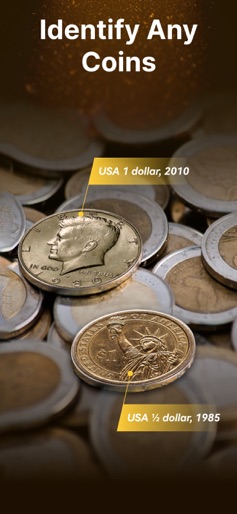
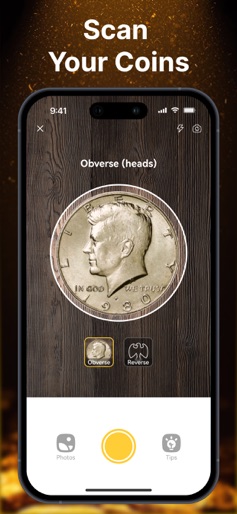
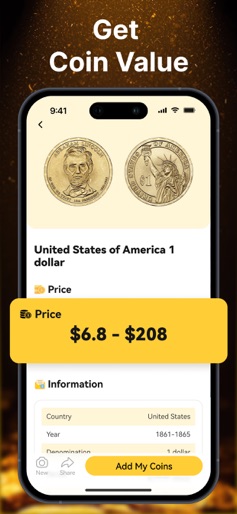
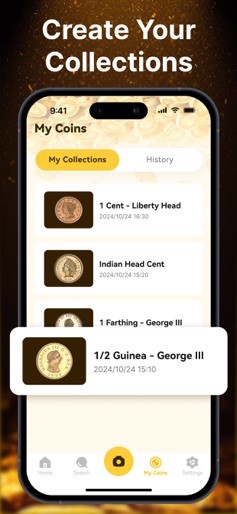
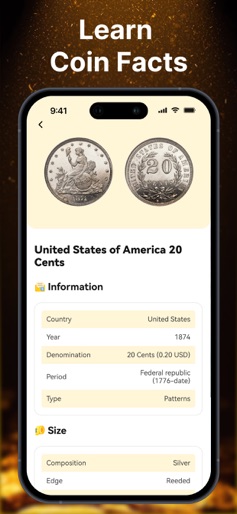
Coin Identifier - Coin Finder can quickly and accurately identify coins from various countries, eras, and denominations, powered by AI Coin recognition technology. Simply snap a photo of the coin, and our intelligent system will analyze its features, providing detailed information about its history, value, and significance. This intuitive process not only saves time but also enhances the joy of discovering the stories behind each coin. Additionally, the Coin Identifier - Coin Finder app allows you to keep a record and store your collections directly within it, ensuring you always have an up-to-date account of your collectibles and their values. You can even organize your collections by coin series within the app. KEY FEATURES: ●Identify Any Coins Just snap your coin or select one from your photo library, and the Coin Identifier - Coin Finder will swiftly recognize your coin, whether it's a rare find, a foreign currency, or even an error coin. ●Detailed Coin Identify Results Every identification offers a comprehensive look at the coin, detailing its name, origin country, issuance year, monetary value, metal makeup, and additional pertinent information. ●Accurate Coin Market Price We use powerful AI computing models to collect market prices and provide you with the most accurate and precise market valuation. ●Record and store your collections Maintain your coin collection by systematically adding newly identified pieces. Organize them into multiple collections as per your preference to keep everything neatly sorted and traceable at any time. Coin Identifier - Coin Finder was created to help more people explore and learn about the coins around them. Download the app today to enjoy a more pleasant coin journey and train yourself to be a coin expert! We would be happy to receive your suggestions or feedbacks about our app! Please email us at aicoinidentifier@outlook.com Privacy Policy: https://coolsummerdev.com/aiidentifier-privacy-policy/ Terms of Use: https://coolsummerdev.com/aiidentifier-terms-of-use/
Create screenshots like Coin Identifier & AI Scanner
Use FlyerBanana's free editor to create professional App Store screenshots inspired by Coin Identifier & AI Scanner's design. 100+ templates, device frames, and one-click export.










