

App Store Screenshots (8)


Design Analysis
Visual Design
App Insights
About Babbel - Learn Languages
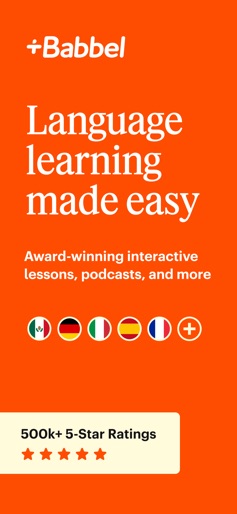
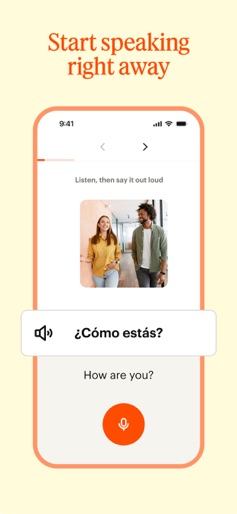
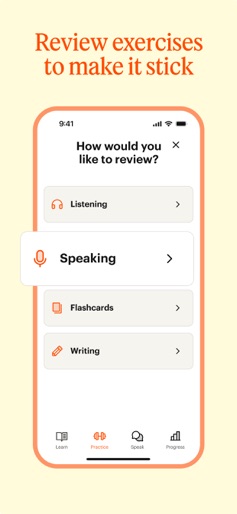
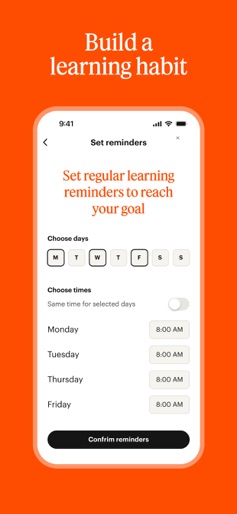
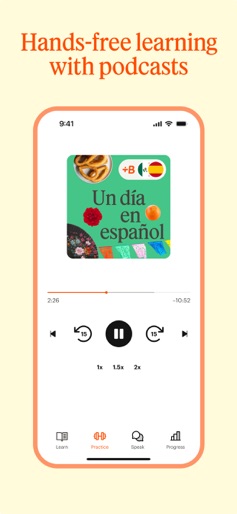
Speak a new language with confidence – get Babbel, the award-winning app built by 200+ language experts and trusted by millions worldwide. Learn a new language faster with bite-sized lessons designed to fit your everyday life. With Babbel’s proven method, you could start having real conversations in as little as 3 weeks. Your language learning adventure starts with a lesson. WHY BABBEL WORKS • Research-proven results Efficacy backed by researchers at Yale University: 100% improved their oral proficiency in 3 months.* • Expert-built courses Courses are created by language experts and tailored to your native language, so you learn naturally and efficiently. • Speak with confidence Improve your pronunciation and rehearse out loud with interactive conversation practice. TRUSTED BY MILLIONS • 25 million subscriptions sold • 1.5 million 5-star ratings (based on App store ratings) • After 10 hours with Babbel, 96% of learners saw better test scores on grammar and vocabulary** BUILT FOR REAL LIFE • Short, effective lessons: Learn in as little as 10 minutes a day • Lessons for every motivation: Learn for travel, work, or fun • Listen, speak, write: Options for every learning style • Stress-free conversation practice: Build confidence with Guided Conversations, then practice freely with Babbel Speak (Beta) • Smart review system: Boosts learning and retention • Grammar in context: Clear explanations exactly when you need them • Offline mode: Download lessons and learn anywhere, anytime • 5,000+ courses: Over 60,000 lessons across all languages LEARN 14 LANGUAGES Spanish (Latin American or Spain), French, Italian, German, Portuguese, English (American or British), Russian, Polish, Turkish, Norwegian, Danish, Swedish, Dutch, and Indonesian. TRY BABBEL TODAY Download Babbel now and take a free lesson. SUBSCRIPTION DETAILS A subscription is required to access full courses for one language. Subscriptions renew automatically unless canceled at least 24 hours before the end of the current period. Payment will be charged to your Apple account. Available plans: • 1 month • 3 months • 6 months • 12 months Privacy policy: https://about.babbel.com/en/privacy/ Terms of use: https://about.babbel.com/en/terms/ LEARN MORE Read Babbel Magazine for tips and insights: https://www.babbel.com/en/magazine Follow us: Instagram: https://www.instagram.com/babbelusa Facebook: https://www.facebook.com/Babbel.usa CONTACT US Questions or feedback? Email: support-mobile@babbel.com *Based on a study conducted with Babbel users learning Spanish. Available at http://bit.ly/BabbelYale. **Based on a study conducted with Babbel users learning Spanish. Available: http://bit.ly/BabbelMSU.
Create screenshots like Babbel - Learn Languages
Use FlyerBanana's free editor to create professional App Store screenshots inspired by Babbel - Learn Languages's design. 100+ templates, device frames, and one-click export.










