App Store Screenshots (9)




Design Analysis
Visual Design
App Insights
About VK Music: playlists & podcasts
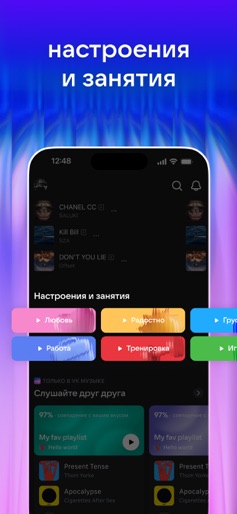
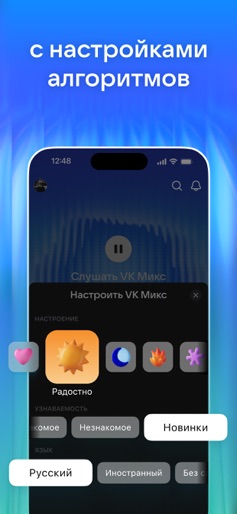
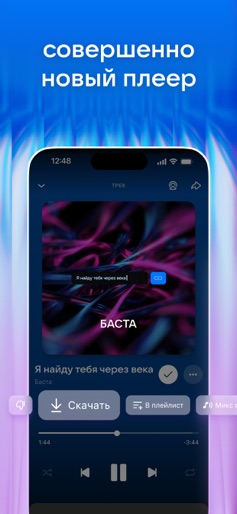
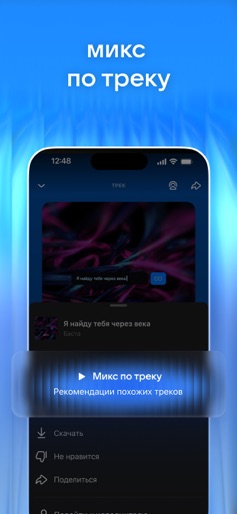
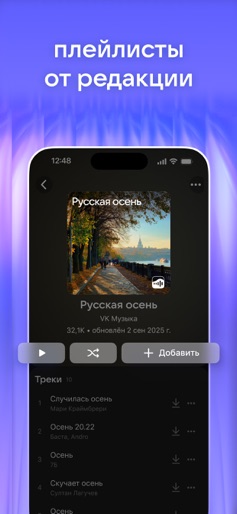
Play tracks from VK and OK on VK Music, find interesting podcasts, download music right from the app and listen to songs offline. • More music in recommendations, trends and mixes • New charts and exclusive releases • Endless playlists long enough even the most hardcore music lovers won’t reach the end • Music offline with a subscription, just like having a good old music player • Numerous playlists created by both people and AI • Light and dark mode with different accent colors for when you get bored • Customizable equalizer for a better sound experience, sleep timer and different playback modes • Song lyrics so you can sing along with your favorite artists • Your music from VKontakte and OK VK Mix Music mixes are formed based on your preferences. Just select a track, artist, album or playlist, and let the VK Music player create a mix to your taste. Podcasts on VK Music Exclusive shows and podcasts about everything in the world. Listen to thrilling stories, take a deep dive into investigations and learn something new with collections from our editors. Listen to your favorite songs, podcasts and popular music anywhere, anytime! Discover new tracks online and use the app as a music player in offline mode. For subscribers: • Subscription automatically renews unless it is canceled at least 24 hours before the end of the current period. • Deleting the application does not terminate the subscription. • When canceling a subscription, it remains active until the end of the paid period. Refunds for the current subscription are not possible, the cancellation of the subscription will occur after the end of the current subscription period. • You can manage or cancel your subscription in your Apple ID account settings. • The unused part of a free trial period is forfeited upon purchase of a subscription. Privacy policy: boom.ru/privacy. Terms of use: boom.ru/terms.
Create screenshots like VK Music: playlists & podcasts
Use FlyerBanana's free editor to create professional App Store screenshots inspired by VK Music: playlists & podcasts's design. 100+ templates, device frames, and one-click export.