
App Store Screenshots (9)


Design Analysis
Visual Design
App Insights
About Survivalcraft 2
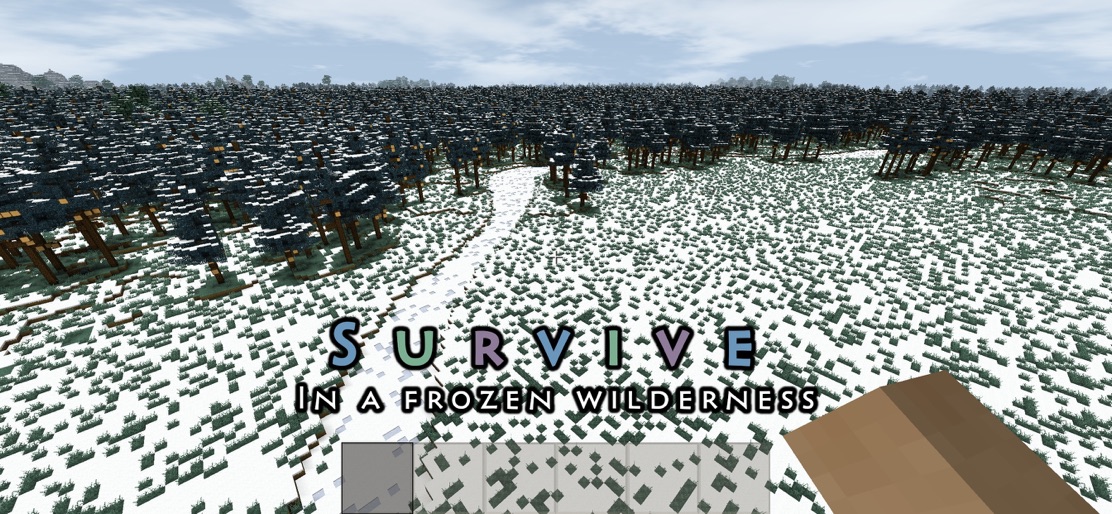
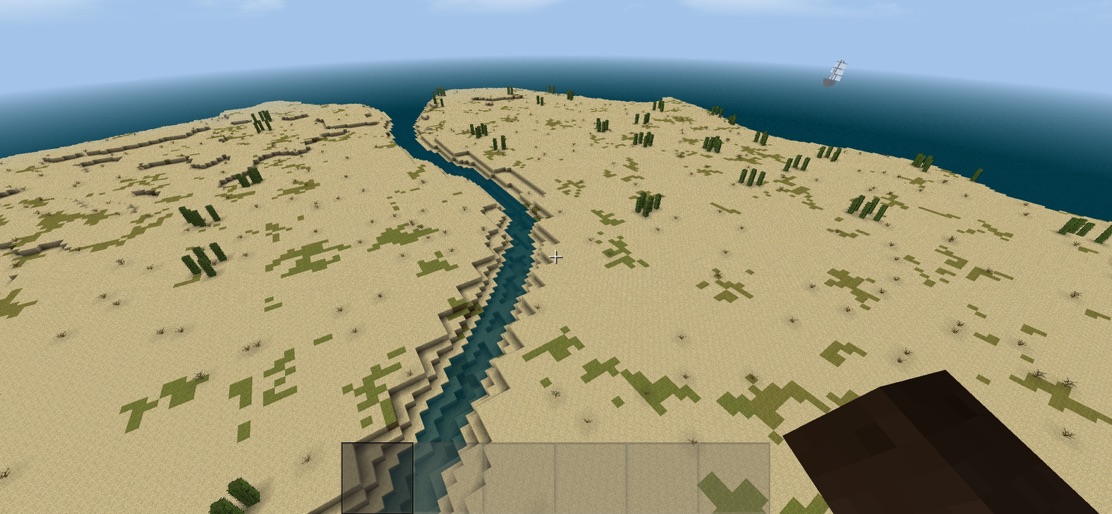
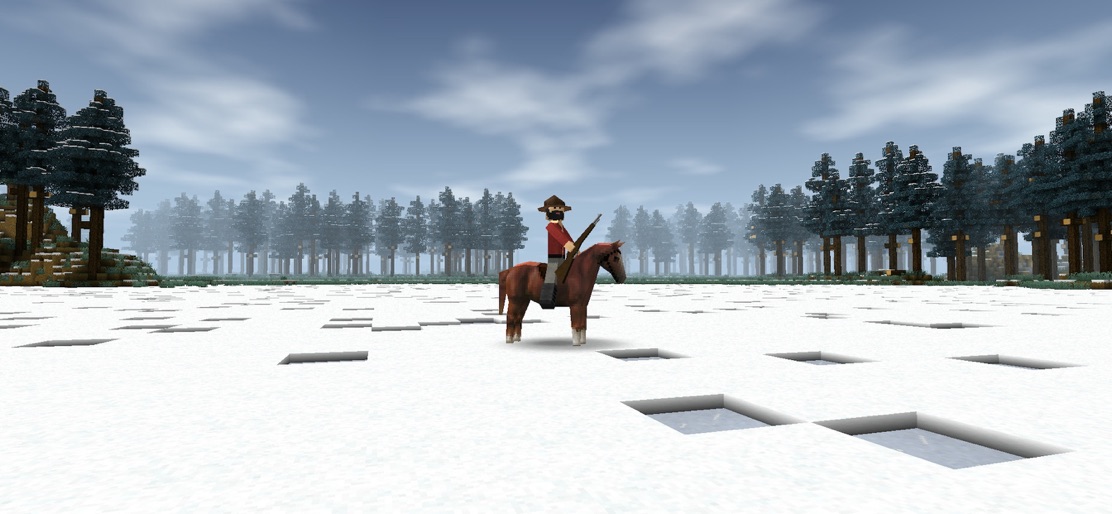
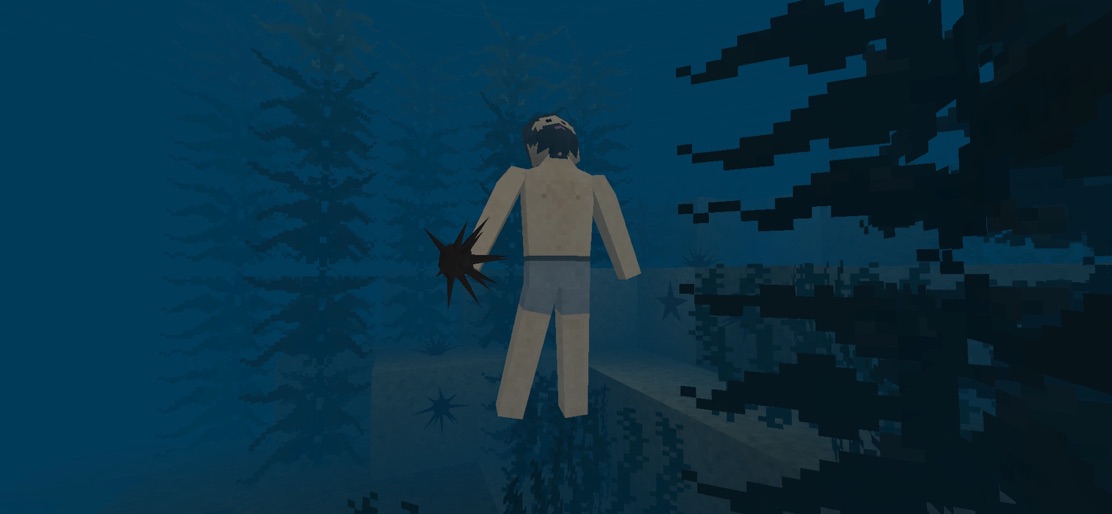
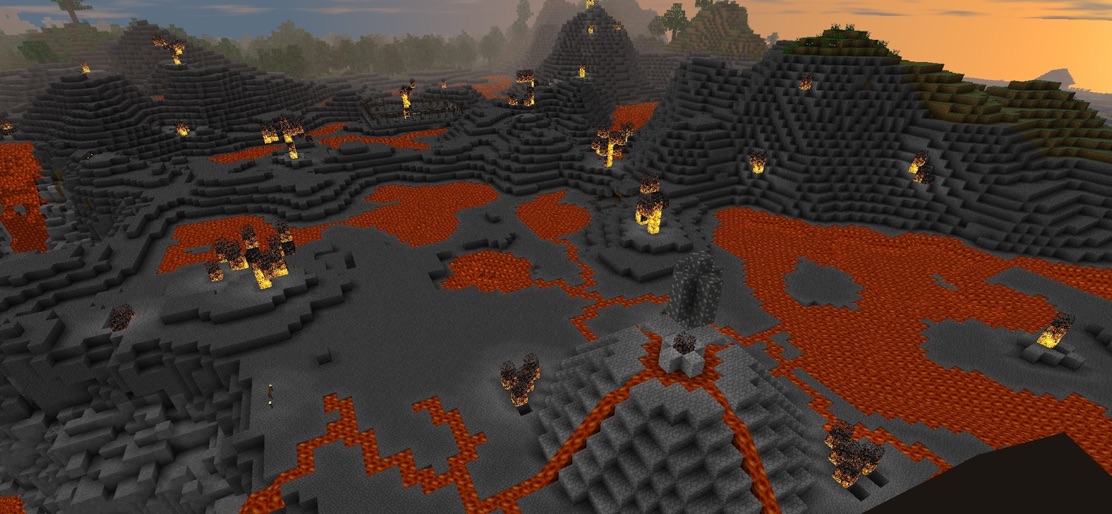
What's new in the 2.4 update: - Seasons! Survive through summer, autumn, winter and spring. - Community Content search box and filters added - Poplar trees - Explosion ground shake - Werewolves interact with block and open doors - Dirt slabs and stairs ... and many more: full list of changes on our website You are marooned on the shores of an infinite blocky world. Explore, mine resources, craft tools and weapons, make traps and grow plants. Live through all four seasons. Tailor clothes and hunt over 30 real world animals for food and resources. Build a shelter to survive cold nights and share your worlds online. Ride horses, camels or donkeys and herd cattle to protect them from predators. Blast your way through the rock with explosives. Build complex electric devices. Craft custom furniture. Paint. Use pistons to build moving machines. Farm crops and plant trees. Make and combine 40 different items of clothing to protect yourself from attacks and weather or to look smart. Play with up to 3 friends using split screen. Possibilities are infinite in this long-running sandbox survival and construction game series. Enjoy!
Create screenshots like Survivalcraft 2
Use FlyerBanana's free editor to create professional App Store screenshots inspired by Survivalcraft 2's design. 100+ templates, device frames, and one-click export.
More Adventure Apps
View all

Zombie Catchers : Hunt & sell
Adventure

Crafting and Building
Adventure


Dragon City: Mobile Adventure
Adventure


Harry Potter: Hogwarts Mystery
Adventure


Pokémon GO
Adventure


Super Bino Go:Adventure Jungle
Adventure