

App Store Screenshots (8)




Design Analysis
Visual Design
App Insights
About Surveillance Camera: Visory
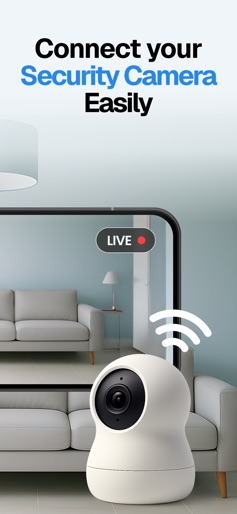
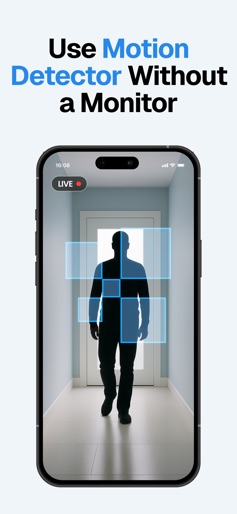
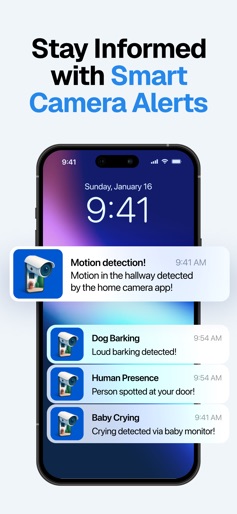
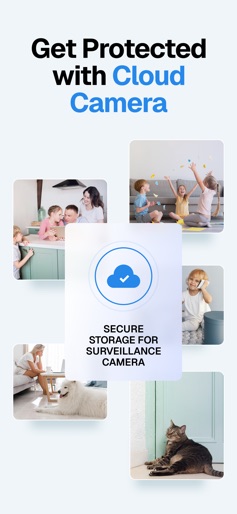
Visory Security is a CCTV camera on mobile for incredible home protection or pet care. Visory Security is a CCTV camera on mobile for incredible home protection or pet care. Use it as your pet monitor, and even CCTV camera recorder or video camera for your cam security system. To use it as a video dog monitor for live streams, you need to link together at least two devices (smartphones or tablets) – one for capturing a video and one for watching it. A wide range of applications: - monitor your pet when you leave them alone - perfect for using as a WiFi kids monitor - know what is going on in the room when you are not there - arrange a smart security and alert system: the intruder will not slip unnoticed General features: Compatible with many mobile devices, you can link together an iPhone and any smartphone easily. Quick setup via QR code To link two devices together you need to do as little as scan a QR code. Support two and more live streams simultaneously Need to arrange a security camera and video dog monitor sessions simultaneously? With this app, you can do it easily. Need to arrange more surveillance sessions? The app is at your help. Impeccable user security and confidentiality This home security surveillance and monitoring app provides a secured connection and does not collect any user data. Add as many devices as you need for free. Rich features for incredible home protection and pet care (coming soon): - Night video camera Arrange overnight surveillance sessions. Or just keep your eye on what is going on in the darkroom to control and stay tuned. - Sound and motion detection Nothing will be left unnoticed. Get an instant alert as the system detects any sound or motion. Kids cry and bark detection The app detects kids cry and barking and send you an instant alert. Perfect for using as a pet monitor or nanny cam app. - Human detection Enhance your home IP cam security system with a human detection feature and get only useful alerts. The app distinguishes a human being from other objects – dogs, cats, etc. Get an instant alert as the system detects a human being in the room. Perfect for using as a home security app. - Cloud storage. All recordings are auto-saved to the cloud. Terms of Use (EULA): https://www.apple.com/legal/internet-services/itunes/dev/stdeula/
Create screenshots like Surveillance Camera: Visory
Use FlyerBanana's free editor to create professional App Store screenshots inspired by Surveillance Camera: Visory's design. 100+ templates, device frames, and one-click export.