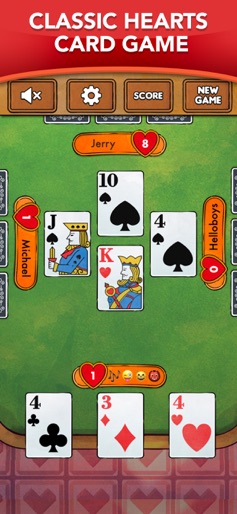
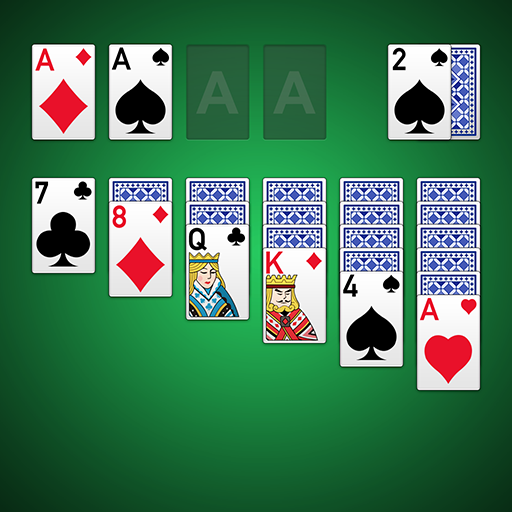
App Store Screenshots (5)


Design Analysis
Visual Design
App Insights
About Spades - Classic Card Game
Play the free, best Spades Game EVER. Check what our users are saying. Download NOW. Enjoy the essence of the classic Spades game, specially conceived for your iPhone and iPad. This will be your best ever experience on a Spades game! The awesome AI adjusts to your playing level so you are sure to put your skills to test and have lots of fun. You will be amazed by the crisp clear cards, fantastic graphics and sound effects. But most of all, you will LOVE the incredible artificial intelligence that adapts to your level. It is always challenging and engaging. Best, you play for free! Stable, fast, always improving! But above all: fun! Spades Game Features: ● Amazing graphics and awesome sound effects ● Unbelievable self adjusting AI ● 120, 500 or 750 score games ● Play with or without Blind Nill ● Customizable cards, backgrounds and faces ● Full Scoreboard and Stats tracking ● Outstanding card animations ● Designed for iPad, iPhone and iPod Touch ● Several game options ● Classic Spades gameplay with no Jokers ● Auto save and resume when you are back This is the killer Spades app that you were waiting for. Install it NOW on your iPad, iPhone or iPod Touch. Try our Spades plus Gin Rummy, Solitaire and other super titles we developed for you! Install it NOW - !! - Sharpen your brain; - Have fun and relax! Also available VIP Status Subscription: - No Advertisement; - Exclusive new table backgrounds; - Exclusive new card backs; - Exclusive new card faces. VIP Subscription is the best way to enjoy your Spades game. You will have access to exciting new backgrounds, card backs and card faces without any advertisement interruptions. You can subscribe for a term of one month, six months and one year. Prices may vary and actual charges may be converted to other currencies depending on the country of residency. Payment is charged to your iTunes account at confirmation. Subscription is renewed unless turned off at least twenty-four hours before period ends. You can turn off the auto-renew for the subscription through iTunes(https://support.apple.com/HT202039). When your current trial/subscription period expires, you will be unsubscribed. The current active subscription period can not be canceled. When your subscription expires, you will no longer be able to use elements included in Subscription option. Terms of Services: http://fiogonia.com/terms/ Privacy Policy: http://fiogonia.com/privacy/
Create screenshots like Spades - Classic Card Game
Use FlyerBanana's free editor to create professional App Store screenshots inspired by Spades - Classic Card Game's design. 100+ templates, device frames, and one-click export.