

App Store Screenshots (8)



Design Analysis
Visual Design
App Insights
About Return to Childhood - Life Sim
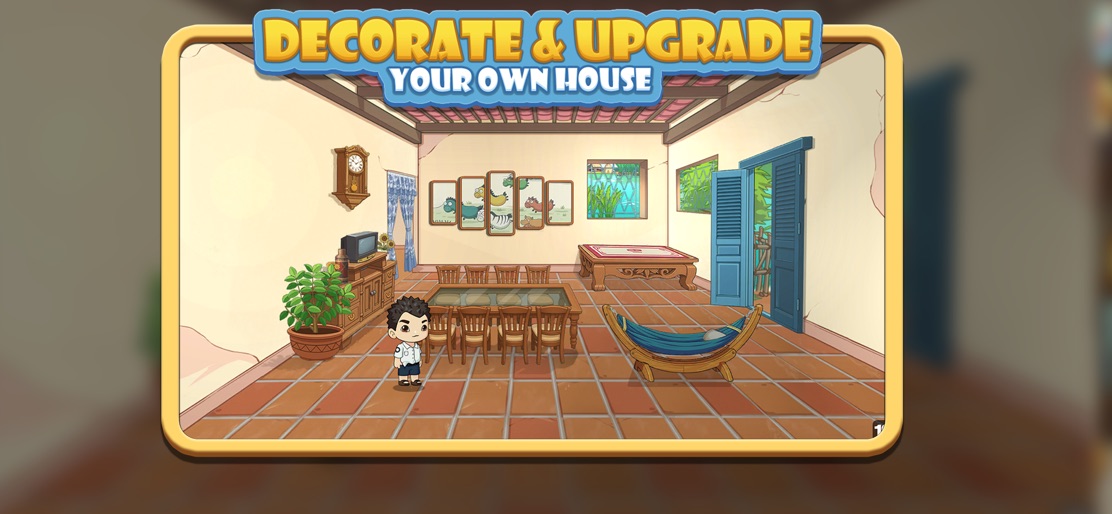
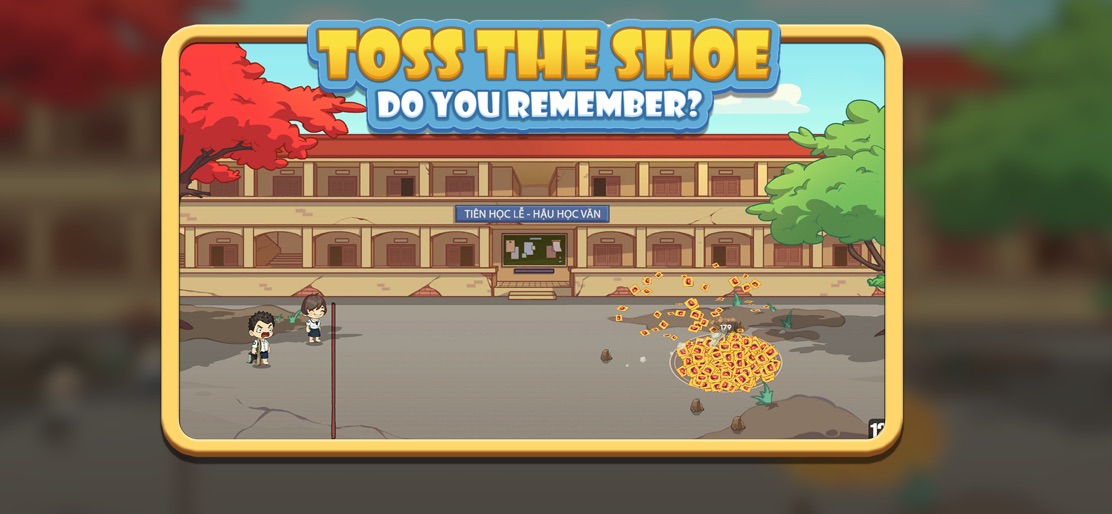
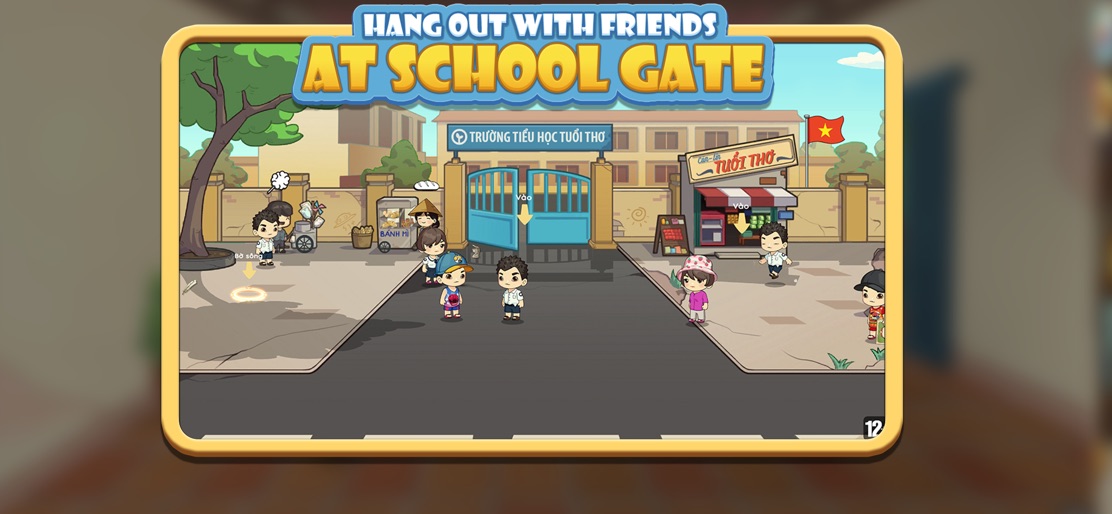
Cozy idle village game inspired by your childhood Certificate of Registration for Providing Online Electronic Game Services (G2, G3, G4), No. 318/GCN-PTTH&TTĐT, issued by the Authority of Broadcasting and Electronic Information on December 24, 2024. Return to Childhood – Cozy Village Life Simulation Return to Childhood is a cozy idle village simulation game inspired by Vietnamese childhood memories from the early 2000s. Play nostalgic mini games, build your village, upgrade houses, and earn money over time in a relaxing idle experience. Key Features Mini games inspired by childhood activities Build and upgrade your village Idle progression – play a few minutes a day Seasonal events and relaxing gameplay Cute cartoon art style A relaxing game about memories This is not a competitive game. It’s a warm, cozy experience made for players who enjoy idle simulation and life games. Download now and enjoy a peaceful village life.
Create screenshots like Return to Childhood - Life Sim
Use FlyerBanana's free editor to create professional App Store screenshots inspired by Return to Childhood - Life Sim's design. 100+ templates, device frames, and one-click export.
More Entertainment Apps
View all

YouTube
Entertainment


Spotify: Music and Podcasts
Entertainment


TikTok - Videos, Shop & LIVE
Entertainment


Pandora: Music & Podcasts
Entertainment


Shazam: Find Music & Concerts
Entertainment


Photo Lab Picture Editor & Art
Entertainment