
App Store Screenshots (8)


Design Analysis
Visual Design
App Insights
About Peglin - A Pachinko Roguelike
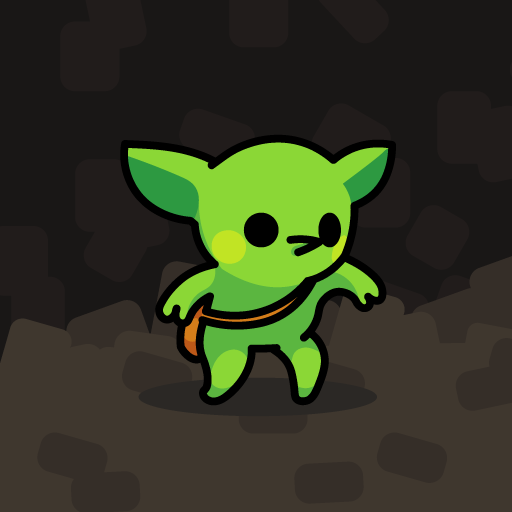
The award-winning roguelike-deckbuilder Peglin is finally available on iOS! This version lets you try it before you buy it with unlimited access to the first third of the game and a one-time purchase to own the complete game and all future updates! The dragons have been popping peglins and stealing all of your gold for as long as you can remember. Enough is enough. It's time to venture through the woods, conquer the fortress, and delve into the heart of the dragon's lair to take back what's yours and teach those dragons a lesson. Peglin plays like a combination of Peggle and Slay the Spire. The enemies are tough, and if you're defeated your run is over, but you've got powerful orbs with special effects and incredible relics that influence both your enemies and the physics you'll use to defeat them. Features: - Collect and upgrade powerful orbs and relics to defeat the monsters and bosses that stand in your way. - Fight enemies with Pachinko-like gameplay - hit more pegs to do more damage. Use crit potions, refresh potions, and bombs wisely. - Explore a new map every time, with different orbs, enemies, and surprises along the way.
Create screenshots like Peglin - A Pachinko Roguelike
Use FlyerBanana's free editor to create professional App Store screenshots inspired by Peglin - A Pachinko Roguelike's design. 100+ templates, device frames, and one-click export.
More Entertainment Apps
View all

YouTube
Entertainment


Spotify: Music and Podcasts
Entertainment


TikTok - Videos, Shop & LIVE
Entertainment


Pandora: Music & Podcasts
Entertainment


Shazam: Find Music & Concerts
Entertainment


Photo Lab Picture Editor & Art
Entertainment