Magnifier Plus with Flashlight
Digitalchemy, LLC
Create Screenshots Like Magnifier Plus with FlashlightApp Store Screenshots (6)




Design Analysis
Visual Design
App Insights
About Magnifier Plus with Flashlight
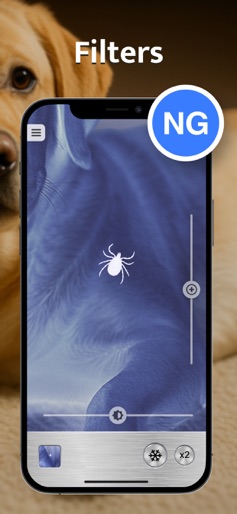
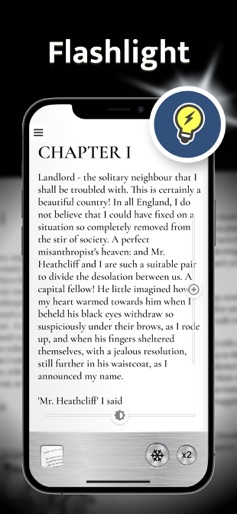
Magnifier mobile app is your mobile's easiest and most quality digital magnifying glass. This digital loupe magnifies any tiny items closer with the help of the zoom camera in iPhone and iPad Key features: # Digital Magnifier # Zoom # Flashlight # Freeze, save and share # Text recognition # Filters for camera and pictures # Full-screen mode # Incredible visibility Digital magnifying glass Turn your smartphone into an incredible digital loupe, magnifying glass and zoom camera with cool features. The app uses your phone's camera to magnify text or whatever comes to mind! Zoom Magnify objects to the maximum with the camera of your Apple device. Flashlight This application has on-screen zoom and lighting controls for easy operation. You can also use the flashlight as a light to get a brighter picture, Freeze, save and share There is also a 'freeze' feature that will help you see objects more comfortably. Once you freeze the photo, you can save or share it. Text recognition The advantage over competitors is text recognition and working with it. You can listen to the text, share with friends, and change the size. Filters for camera and pictures Use your iPhone or iPad to the fullest and apply filters that you like. So many filters are available in the free version of the mobile app. User-friendly magnifier app for everyday use. Simple and convenient features in one app. Enjoy all functions of the magnifier app right now.
Create screenshots like Magnifier Plus with Flashlight
Use FlyerBanana's free editor to create professional App Store screenshots inspired by Magnifier Plus with Flashlight's design. 100+ templates, device frames, and one-click export.