

App Store Screenshots (7)




About Magic Chess: Go Go
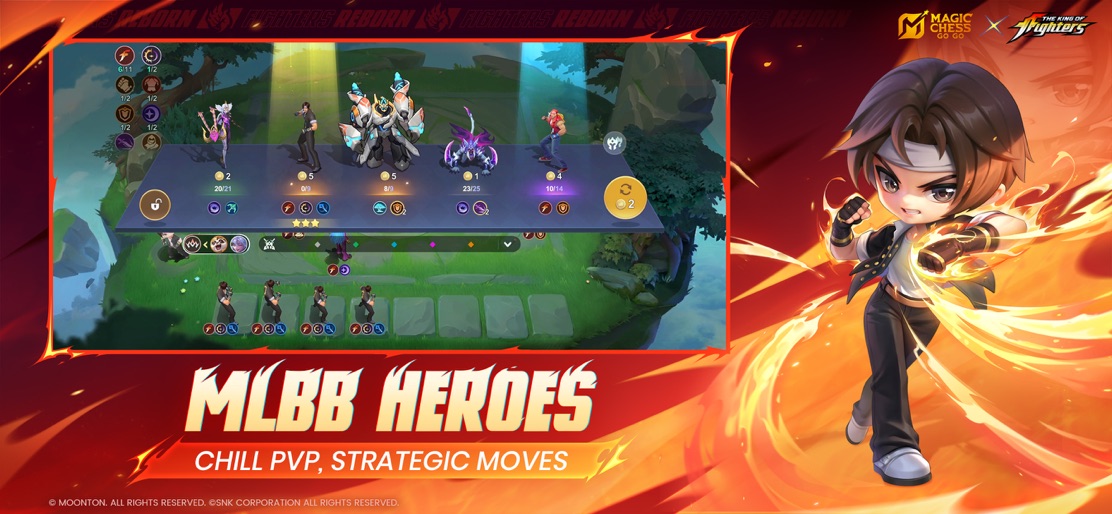
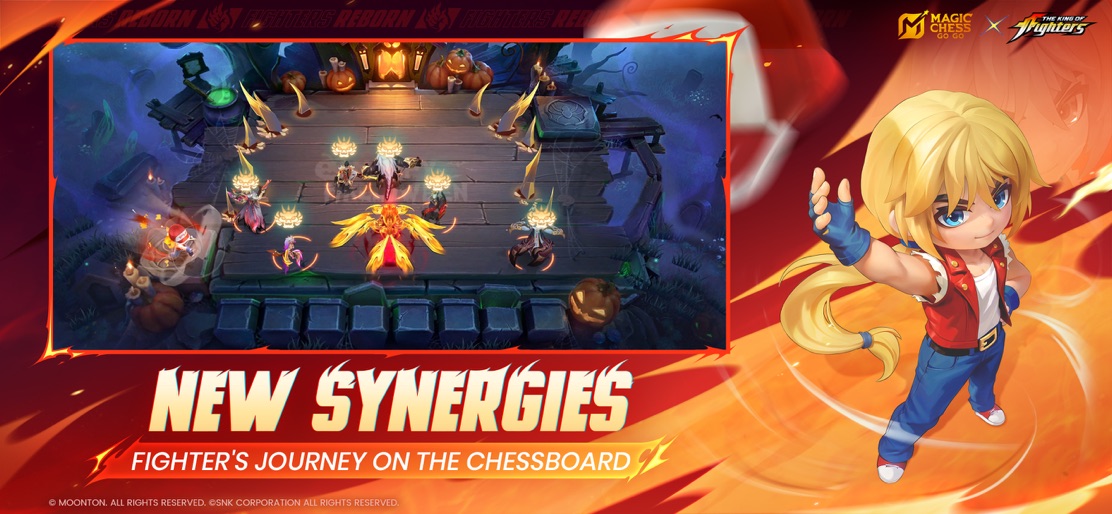
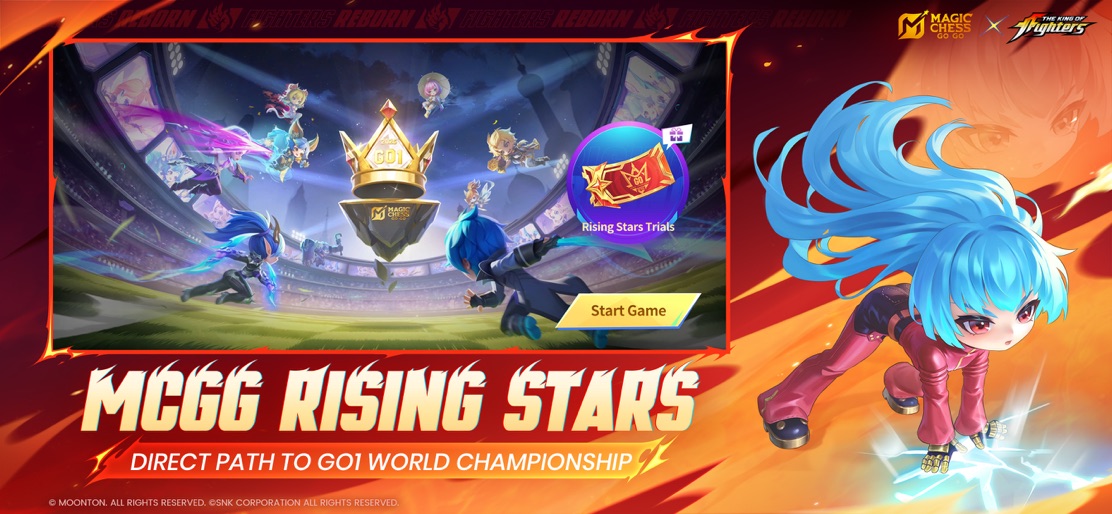
A New Strategy Game from the MLBB Team! Welcome to Magic Chess: Go Go, the ultimate strategy game combining MLBB heroes with fresh and casual gameplay. It's not about fast mechanics, but about wisdom and a touch of luck! Play anywhere, anytime, and have fun with friends! New Battleground for MLBB Heroes: Strategy Fully Upgraded Lead your favorite MLBB heroes in an all-new way. Recruit, merge, and strategize to form the ultimate lineup. 8-Player Showdown: Outwit to Become the Champion Face off against 7 others in a tactical battle of wits. Want more fun? Team up with friends and show them who the real strategist is! Unique Commander Skills: Your Tactical Edge Each Commander brings exclusive skills that let you create bold, personalized strategies to dominate the game. Powerful Cards: Key to Lucky Comebacks Pick from various Go Go Cards at key stages to maximize your advantage and turn the table. Every card could be the key to winning this thrilling chess battle! Join MCGG now and master the board with strategy and style! Customer Service Email: mobilechess.help@moonton.com Official Website: https://magicchessgogo.com/ Youtube: https://www.youtube.com/@MagicChessGoGo
Create screenshots like Magic Chess: Go Go
Use FlyerBanana's free editor to create professional App Store screenshots inspired by Magic Chess: Go Go's design. 100+ templates, device frames, and one-click export.