

App Store Screenshots (8)



Design Analysis
Visual Design
Style: Custom
Key Features Shown
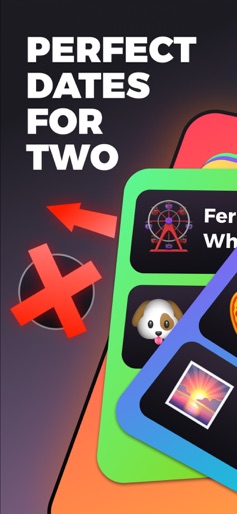
- •Swipe-to-choose date planning
- •Days Together lock screen widget
- •Photo display widget
- •Real-time drawing/painting widget
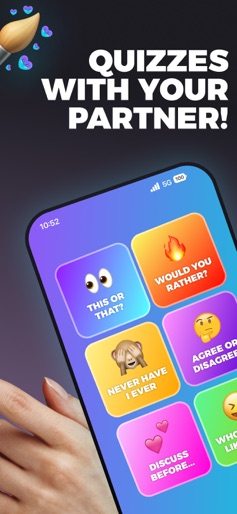
- •Interactive couple quizzes
App Insights
Target: Gen Z and Millennial couples in long-distance or cohabiting relationships looking for digital ways to maintain intimacy and organize their social lives.
- •In-app purchases
- •Subscription for premium features
- •Unlockable widget themes
- •Premium date planning templates
ASO Keywords:
About Lovio - Couples App & Widgets
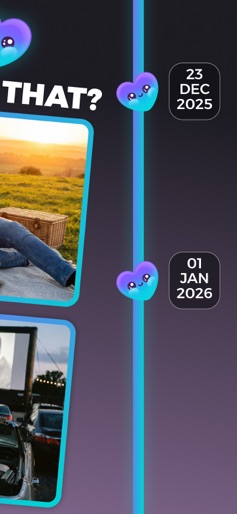
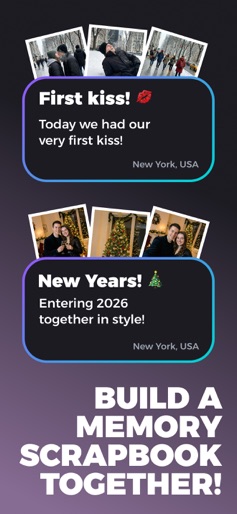
The all-in-one app for couples who want to stay connected with special widgets, plan amazing dates, and build lasting memories together. Pair up. Stay close. Make memories. Lovio brings you and your partner closer with smart features designed for modern relationships—from viral widgets to personalized date plans and a digital memory journal you'll treasure forever. Why couples love Lovio: PAIR WITH YOUR PARTNER: Connect inside the app and unlock a shared experience. Everything syncs between you two - widgets, dates, memories, and more. CUTE LOVE WIDGETS: - Days Together counter to celebrate every moment - Drawing Widget - the viral feature that lets you doodle on your partner's screen in real-time - Memory Display Widget that displays your latest photo-memory on your screens COLLABORATIVE DATE PLANNING: No more "I don't know, what do you want to do?" Start a date crafting session together, choose preferences, vote on various ideas, and find the perfect date you'll both love. VIBE WHEEL: Feeling spontaneous? Spin the wheel and get a random date mood with a matching plan - instant adventure, zero overthinking. STICKY LOVE NOTES: Send sweet messages that appear on your partner's screen. Little surprises that make big moments. SHARED BUCKET LIST: Save date plans and quick ideas you want to try later. Your relationship wishlist in one place. COUPLES QUIZZES: Fun mini quizzes designed specifically for couples - learn more about each other and strengthen your bond. MEMORY SCRAPBOOK: Turn your dates into a beautiful digital journal. Add photos, notes, and moments you'll want to revisit forever. QUICK IDEAS ON DEMAND: Need something fun right now? Get instant spontaneous activity suggestions tailored to you two. Ready to level up your relationship? Download Lovio now and experience the couples app that keeps you connected, helps you plan unforgettable dates, and turns every moment into a lasting memory. Terms of use: https://dvarava.github.io/lovio-website/terms.html Privacy policy: https://dvarava.github.io/lovio-website/privacy.html
Create screenshots like Lovio - Couples App & Widgets
Use FlyerBanana's free editor to create professional App Store screenshots inspired by Lovio - Couples App & Widgets's design. 100+ templates, device frames, and one-click export.
More Entertainment Apps
View all

YouTube
Entertainment


Spotify: Music and Podcasts
Entertainment


TikTok - Videos, Shop & LIVE
Entertainment


Pandora: Music & Podcasts
Entertainment


Shazam: Find Music & Concerts
Entertainment


Photo Lab Picture Editor & Art
Entertainment