
App Store Screenshots (8)



Design Analysis
Visual Design
App Insights
About Killer Sudoku by Sudoku.com
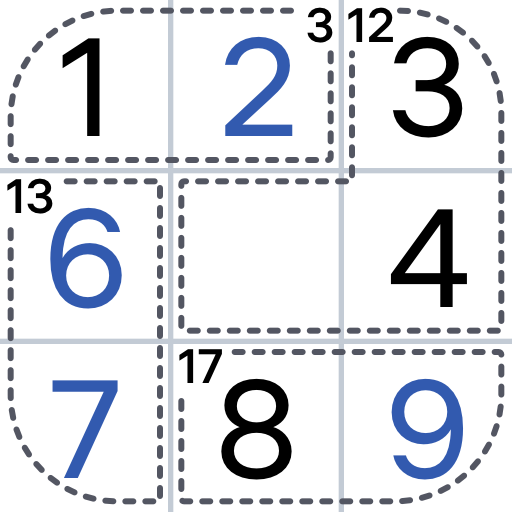
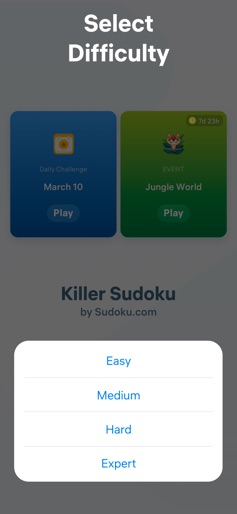
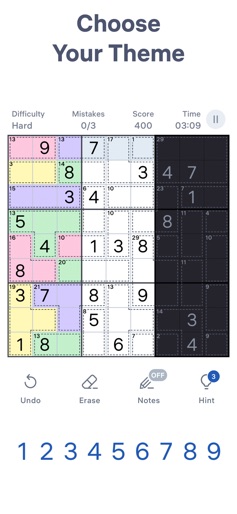
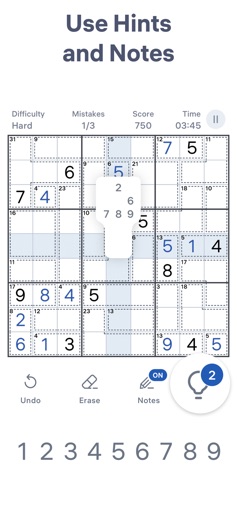
Enjoy an engaging Killer Sudoku experience! Jump into enhanced gameplay, solve tons of puzzles, train your brain, and have fun! Discover the new brain-training puzzle from the developer of Sudoku.com! Killer Sudoku by Sudoku.com is great for both beginners and advanced players. Although Killer Sudoku is harder than classic sudoku, we made it accessible for players of all skill levels. With its enhanced gameplay, it's easy to follow the game rules and become a sudoku master in no time. Explore Killer Sudoku and discover a refreshing take on the classic paper-and-pencil sudoku puzzle. What you get: * Killer Sudoku puzzles to expand your sudoku experience. * Thousands of levels to solve. * Daily challenges to win unique trophies. * Seasonal events to get unique medals. * Hints and notes to guide you when you get stuck. * Tons of gameplay to challenge your brain. * New game from a top developer! How to play: * Fill all rows, columns, and 3x3 regions with numbers exactly like classic sudoku. * Every cell is part of a cage, indicated by dotted lines. * Make sure the cells can be added up to the sum in the upper left corner of the cage. * The sum of all numbers of each 3x3 region, row or column always equals to 45. * Numbers cannot repeat within cages, a single row, column, or 3x3 region. Dive into the world of Killer Sudoku! Play anywhere, anytime!
Create screenshots like Killer Sudoku by Sudoku.com
Use FlyerBanana's free editor to create professional App Store screenshots inspired by Killer Sudoku by Sudoku.com's design. 100+ templates, device frames, and one-click export.






