

Heso:2048,Sudoku,Minesweeper
利强 赵
App Store Screenshots (8)


About Heso:2048,Sudoku,Minesweeper
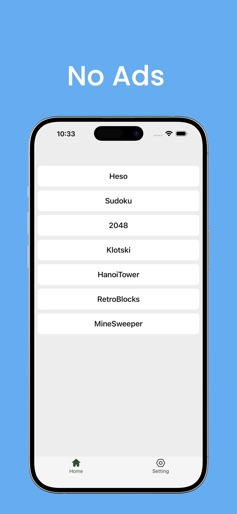
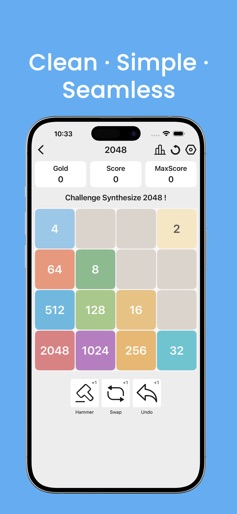
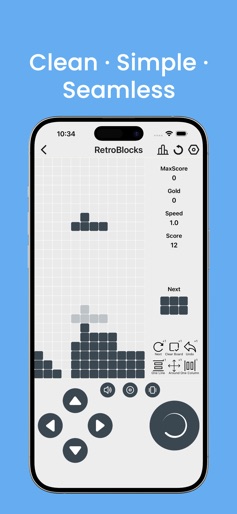
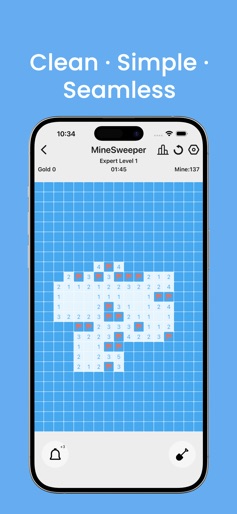
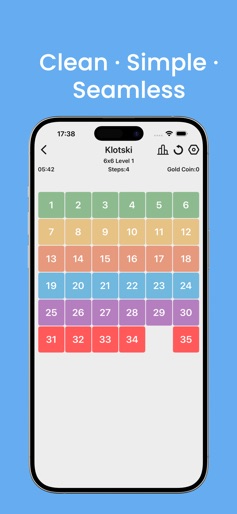
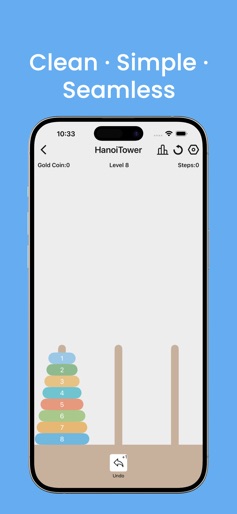
Puzzle solving+Classic Remakes, a collection of all-in-one puzzle games! 2048,Sudoku,Minesweeper,Huarongdao,Tower of Hanoi,invite friends to play together! Built in multiple mini games: Game 1: Merge Numbers Click on a number to add 1, when 3 numbers are the same, 2 numbers can be eliminated, and another number can be added 1. Add random numbers to the two extra positions. The larger the synthesized number, the more difficult it is to continue playing. Game 2:2048 Merge numbers to obtain larger ones, challenge to synthesize 2048 Game 3: Sudoku Sudoku is completely randomly generated and divided into 5 levels, suitable for players of all levels to play freely. Game 4: Klotski (Huarongdao) The digital version of Huarongdao supports multiple chessboards, suitable for different age groups to play freely. Game 5: Tower of Hanoi Hanno Tower, up to 26 floors, come and challenge! Game 6: Retro Blocks Classic block stacking with even more challenge! Game 7: Minesweeper Divided into 5 levels, suitable for players of all ages, come and challenge your limits! More games are constantly being updated, stay tuned If you encounter any problems while using the app, you can contact us through QQ or email QQ:2133535280 Email:developerapple2024@163.com
Create screenshots like Heso:2048,Sudoku,Minesweeper
Use FlyerBanana's free editor to create professional App Store screenshots inspired by Heso:2048,Sudoku,Minesweeper's design. 100+ templates, device frames, and one-click export.