

Guide for PUBG: Mobile/PC/PS4
Emre Sancaktaroglu
App Store Screenshots (13)


About Guide for PUBG: Mobile/PC/PS4
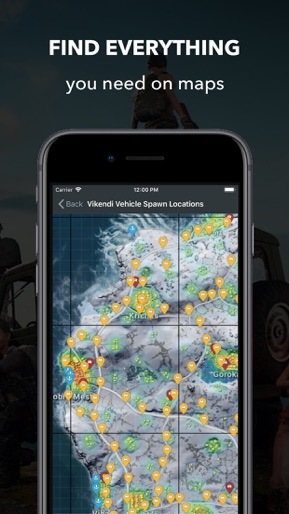
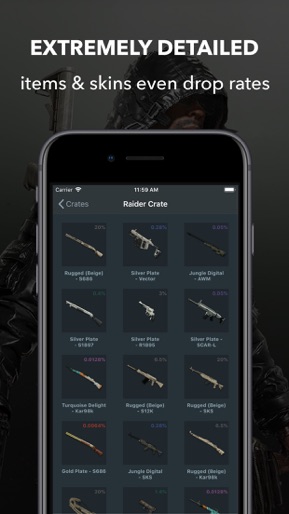
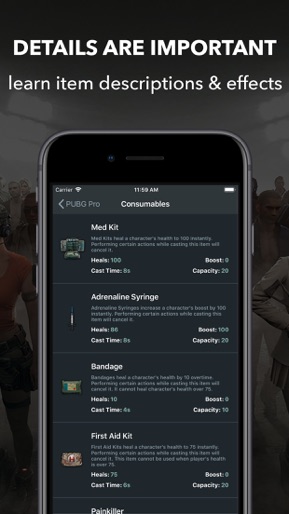
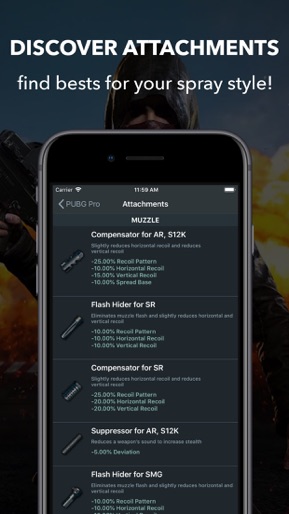
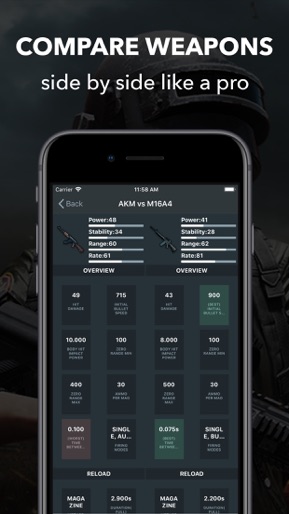
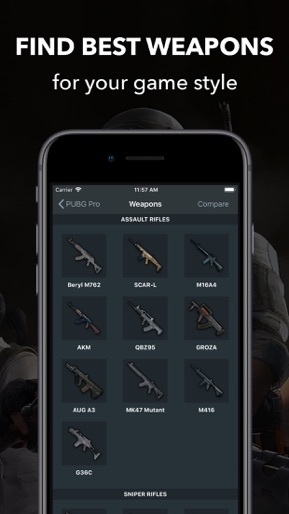
‣ New Weapons&stats are updated instantly when the new patch comes --------------------------------------------------- - Do you know why you are better with some weapons and worst with others? - Why are the pro gamers so good with all weapons and maps? √ Because they know every detail of the games and now, you will know too! --------------------------------------------------- This is the PUBG Guide iOS application you are waiting for.. Developed for both novice and expert players FEATURES; ‣ Compare weapons with details side by side. ‣ Find best weapon for your game style! ‣ Learn weapons' best and worst stats ‣ Discover weapon's recoil, deviation, spread and more stats for finding your spray style. ‣ You can reach all weapons recoil, deviation, spread and sway stats for finding your best mouse sensitivity(DPI) and spray style. ‣ Find your best attachments for the weapons and game style. ‣ See all the the item descriptions and effects. ‣ Extremely detailed in game items. ‣ Look at the interactive maps and find your needs in your game. (Weapons & Vehicles spawn locations, road maps, best drop zones, etc...) ‣ Works without an internet connection. (Except for first use.) ‣ Fully functional for iPads (It's really perfect on iPads) ‣ Ready for iPhone X, XR, XS, XS Max & iOS 12 ‣ PUBG Guide uses cloud system to add or update items thus, you don't have to wait updates. We will always update on the cloud and notify you by Push Notifications. --------------------------------------------------- CATEGORIES; - Weapons - Ammunitions - Equipments - Attachments - Consumables - Throwable - Melee Weapons - Vehicles - Maps - Miscellaneous - Patch Notes - Spray Sheets --------------------------------------------------- HOW IT WORKS: Getting started is simple. Download the PUBG Pro Guide app for free and start your free 7-day trial. PUBG Pro Guide offers monthly subscription option for $4.99/month (with 7 days FREE). Cancel subscription anytime. Subscription automatically renews unless auto-renew is turned off at least 24-hours before the end of the current period by going to your iOS Account Settings after purchase. Account will be charged for renewal within 24-hours prior to the end of the current period at the price of the annual or monthly subscription depending on what is chosen. Payment will be charged to iTunes Account. Any unused portion of a free trial period will be forfeited when you change from an annual to a monthly subscription or from a monthly to an annual subscription during the free trial period. The privacy policy can be viewed at http://www.esmobileinc.com/pubg/PUBG_Privacy_Policy.pdf The Terms of Service can be viewed at http://www.esmobileinc.com/pubg/PUBG_Terms_Of_Service.pdf Contact: info@esmobileinc.com --------------------------------------------------- This is the unofficial all-in-one native iOS application for PUBG game. Note: This is not a PUBG game. It's a professional game guide for PUBG players.
Create screenshots like Guide for PUBG: Mobile/PC/PS4
Use FlyerBanana's free editor to create professional App Store screenshots inspired by Guide for PUBG: Mobile/PC/PS4's design. 100+ templates, device frames, and one-click export.