

App Store Screenshots (5)


Design Analysis
Visual Design
App Insights
About Goods Sort™ - Triple Master 3D
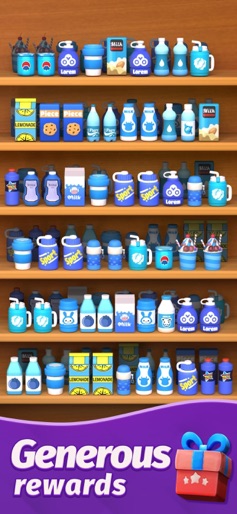
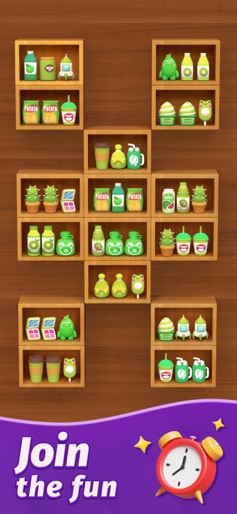
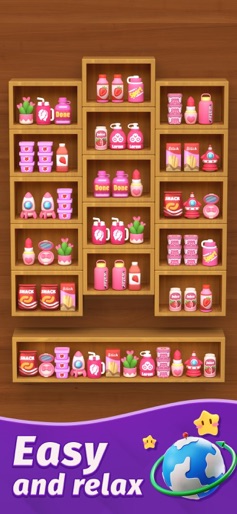
Imagine being able to sprint through the aisles of a supermarket, frantically snatching all the toys, fruits, and snacks off the shelves within a limited timeframe. Well now, your dream can become a reality with Goods Sort! This game offers a meticulous 3D representation of various fruits, vegetables, candies, and animal toys, making it appealing to casual gamers and puzzle enthusiasts alike. Experience unparalleled fun and pleasure, indulge in plentiful and diverse levels, and become a master of elimination! Game Features: -An exquisite and original game design, complete with 3D matching levels. -A realistic 3D representation of products, allowing you to feel as though you are actually in a real-life shopping scene. -A combination of simple gameplay and high levels of challenge. -Generous prop and coin rewards to ensure a more enjoyable gaming experience. Gameplay: -Click on any three identical items from different shelves to eliminate them, and the more items you eliminate, the higher you score and more rewards you earn. -Take on various tasks, enjoy the fun and challenge. -Each level comes with strict time limits that require you to think on your feet, and hone your skills. -When you encounter any challenging obstacles, forget the word “quit,” and join us in the to become a master of elimination! There’s so much more excitement waiting for you, so download and experience Goods Sort now!
Create screenshots like Goods Sort™ - Triple Master 3D
Use FlyerBanana's free editor to create professional App Store screenshots inspired by Goods Sort™ - Triple Master 3D's design. 100+ templates, device frames, and one-click export.









