
App Store Screenshots (5)
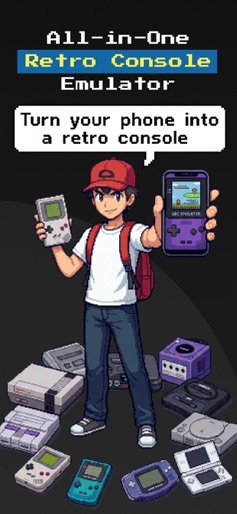
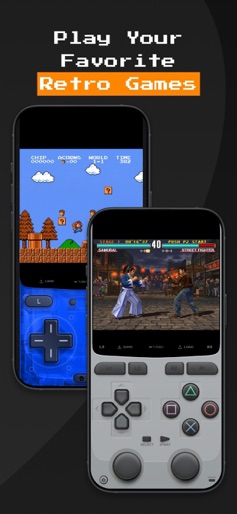
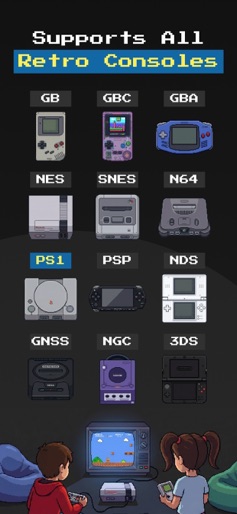
Design Analysis
Visual Design
App Insights
About Game Emulator: GamePod Emu
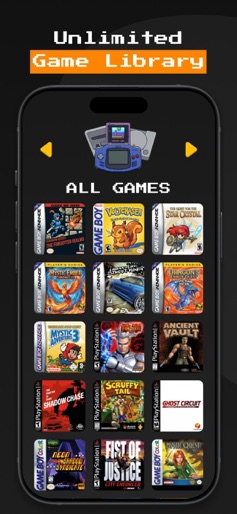
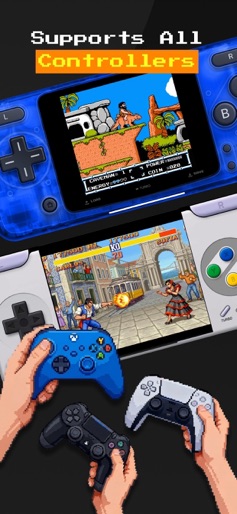
GamePod - Your Retro Game Vault. Relive the golden age of gaming with GamePod, a beautifully designed retro emulator and launcher built for simplicity and nostalgia. Load your own legally owned ROMs and enjoy smooth performance, pixel-perfect visuals, and controller support. All wrapped in a clean 8-bit-inspired interface. Features: - Supports multiple classic console formats (GBA, NES, GBC, and more) - Organize and browse your personal game library with pixel-art covers - Fast, stable emulation optimized for modern devices - Auto-save, controller support, and haptic feedback. - Retro-styled UI and animations that feel like the 90s again Disclaimer: GamePod does not include or distribute any game files. Users must provide their own legally obtained ROMs. The age rating is set to 13+ due to the potential for mature content in user-added games. Relive. Replay. Rewind. Welcome to GamePod. Privacy Policy: https://piiko.app/privacy Terms of Use: https://piiko.app/terms
Create screenshots like Game Emulator: GamePod Emu
Use FlyerBanana's free editor to create professional App Store screenshots inspired by Game Emulator: GamePod Emu's design. 100+ templates, device frames, and one-click export.
More Entertainment Apps
View all

YouTube
Entertainment


Spotify: Music and Podcasts
Entertainment


TikTok - Videos, Shop & LIVE
Entertainment


Pandora: Music & Podcasts
Entertainment


Shazam: Find Music & Concerts
Entertainment


Photo Lab Picture Editor & Art
Entertainment