
App Store Screenshots (5)


About FreeFire Max Royal For MCPE
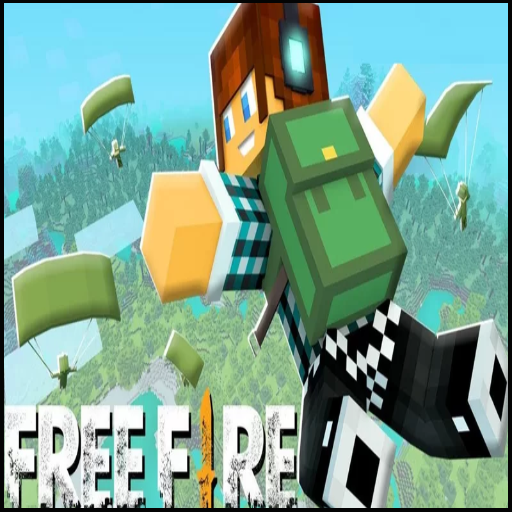
Sigma Map FreeFire Minecraft Map get skins fire max and diamonds FFF. Experience the excitement of a battle royale game like Free Fire or PUBG right inside Minecraft PE with FF Max Royale. With this app, you can play an action-packed game mode with new weapons, vehicles, and skins. You can explore new maps, fight against 50+ players, and use tactical grenades and modern equipment to outwit your opponents. FF Max Royale is a single-player and multiplayer map that can be played on Minecraft online servers with 2-30 players. You can choose from a variety of weapons and equipment to customize your gameplay style. The Sigma Map FreeFire is also available, along with other new scenes and maps. FF MAX Fire for Minecraft PE, which you can easily download and install with just a few clicks. This mod adds new features to your Minecraft PE game, including new skins, fire max, and diamonds. So what are you waiting for? Download FF Max Royale today and start playing the ultimate battle royale game inside Minecraft PE. Please note that this is an unofficial application and is not associated with Mojang AB or Free Fire in any way.
Create screenshots like FreeFire Max Royal For MCPE
Use FlyerBanana's free editor to create professional App Store screenshots inspired by FreeFire Max Royal For MCPE's design. 100+ templates, device frames, and one-click export.