
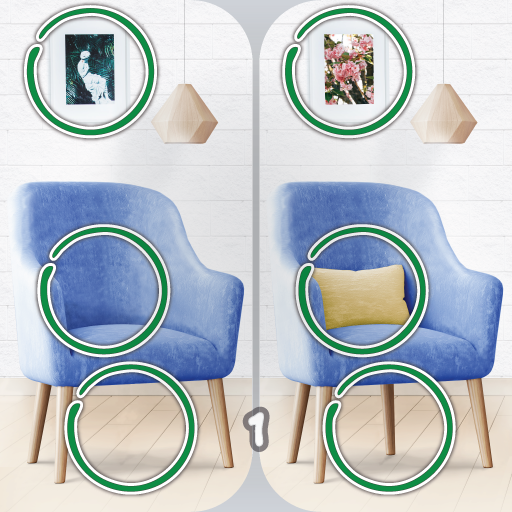
Find the difference 750+
SuperSwell
App Store Screenshots (7)


About Find the difference 750+
Enjoy amazing pictures and have fun while you try to find the differences between them! Improve your concentration and observation skills playing this find the difference game for free. Features: • More than 500... even more than 750 levels all unlocked! • Zoom to better find the differences! • Automatically saved differences • Portrait and landscape mode available for tablets and smartphones. • High Definition (HD) pictures. • Unlimited hints! • No time limit. • Play offline! All levels are included. This game is completely free and don't need any extra download. Spot the difference anywhere you are. Play without an internet connection. Find the difference 750 + is a free puzzle game also known as "Difference finding” where you have to find five differences between two images otherwise identical. This is a popular observation game like Hidden Object game that won't let you stop playing! Are you ready to have fun in this Find the differences offline game?
Create screenshots like Find the difference 750+
Use FlyerBanana's free editor to create professional App Store screenshots inspired by Find the difference 750+'s design. 100+ templates, device frames, and one-click export.