
App Store Screenshots (8)


Design Analysis
Visual Design
App Insights
About File Recovery - Photo Recovery
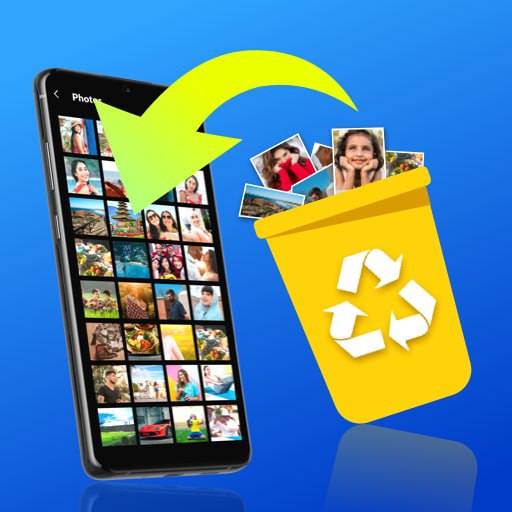
Want to undelete and recover deleted photos and videos? Try free All Recovery! This simple file recovery app can quickly restore deleted photos, videos, audios and other files instantly from your device or SD card. No root needed! It’s very easy to use, you only need to tap the scan button and All Recovery will automatically search and find all deleted and lost files on the device. Then, you can choose to restore them instantly or delete them permanently. With the quick deep scan feature and advanced file retrieval algorithm, All Recovery ensures that you can easily find and restore any deleted files you want, even if you format your device. File recovery has never been so easy! 💡Why Choose All Recovery? ✔ Undelete & recover deleted photos, videos, and audios with one click ✔ Enhance photos - improve clarity and detail in recovered photos ✔ Quick deep scan - never miss any deleted or hidden files on your device ✔ Powerful filters - filter files by date, size, and folder to quickly find your target ✔ Permanently delete - delete files completely to ensure that your data is not leaked ✔ Batch recovery ✔ No root needed ✔ Simple, easy to use ✔ No internet required ♻️Deleted photo recovery If you are looking for a full-featured photo recovery app, All Recovery is your best option! It's a helpful file recovery app to restore deleted photos in quantity with one click. ♻️Deleted video recovery Accidentally deleted a precious memory? Don't worry! All Recovery will help you restore deleted videos instantly! Recently deleted videos, hidden videos, all can be quickly restored. ♻️Deleted message recovery Deleted important messages by mistake? All Recovery helps you scan and restore deleted messages from supported apps in just one click — fast, easy, and no root required. ♻️Deleted audio recovery You can also use this file recovery app to recover deleted audios. Scan out all deleted audio files on your device, quickly filter out the target files, and finish file restore in seconds. ♻️Permanently delete After scanning out all deleted files, you can recover deleted photos, videos, audios or permanently delete files you no longer need. Please note that permanently deleted files can never be recovered again. ♻️Enhance photos Not just recovery — All Recovery also helps you enhance photo quality. Fix blurry or low-resolution images and restore them to clear, high definition with smart photo enhancement. Stop aimlessly looking for a photo recovery app, download this user-friendly All Recovery now! It's just like a recycle bin that can help you get back lost files with one click. Data recovery has never been easier! Your feedback is always welcome. If you have any questions or suggestions, please contact us at allrecoveryfeedback@gmail.com.
Create screenshots like File Recovery - Photo Recovery
Use FlyerBanana's free editor to create professional App Store screenshots inspired by File Recovery - Photo Recovery's design. 100+ templates, device frames, and one-click export.
More Productivity Apps
View all

Microsoft Outlook
Productivity


AVG AntiVirus & Security
Productivity


Screen Recorder - XRecorder
Productivity


Opera: Private Web Browser
Productivity


Parallel Space - app cloning
Productivity


Duolingo - Language Lessons
Productivity