
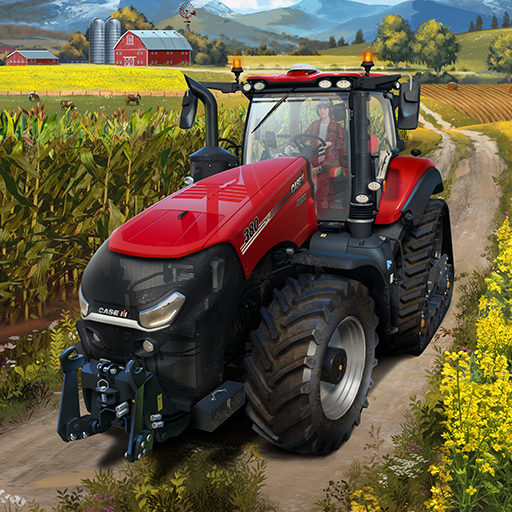
Farming Simulator 23 Mobile
GIANTS Software
App Store Screenshots (9)


Design Analysis
Visual Design
App Insights
About Farming Simulator 23 Mobile
Grow crops, grow your agricultural empire! Become a modern farmer to operate more than 100 authentic machines by Case IH, CLAAS, DEUTZ-FAHR, Fendt, John Deere, KRONE, Massey Ferguson, New Holland, Valtra & many other acclaimed manufacturers from around the world - offering a wide range of farming activities. Choose what kind of farmer you want to be in Farming Simulator 23 (FS23) as the acclaimed agricultural sim by GIANTS Software offers a brand-new experience with many new features for your mobile device! Operate realistic tractors, harvesters, field sprayers, and more Cultivate fields with a variety of crops, or harvest grapes and olives on the hillside Start logging with heavy forestry equipment Establish production chains and use powerful trucks for transport Tend to farm animals like cows, sheep, and now: chickens! Enjoy tons of possibilities on two new maps, including collectibles New gameplay features also introduce plowing and weeding A tutorial mode, AI helper & a new autoload feature for logs/pallets assist you on your farm There’s a lot more to do after plowing, removing weeds, harvesting crops, or collecting eggs from chicken coops: Produce valuable goods made from your harvest to expand your flourishing business with new factories and production chains! Don’t worry - there is always time to relax and walk around your vast arable land while visuals change through the atmospheric seasons. If more than 100 machines are not enough, you can grow your fleet of agricultural vehicles through official extra content. New and improved in-game tutorials show you the ways of the farm if you’re new to country life. Start farming wherever you go and let the good times grow!
Create screenshots like Farming Simulator 23 Mobile
Use FlyerBanana's free editor to create professional App Store screenshots inspired by Farming Simulator 23 Mobile's design. 100+ templates, device frames, and one-click export.










