
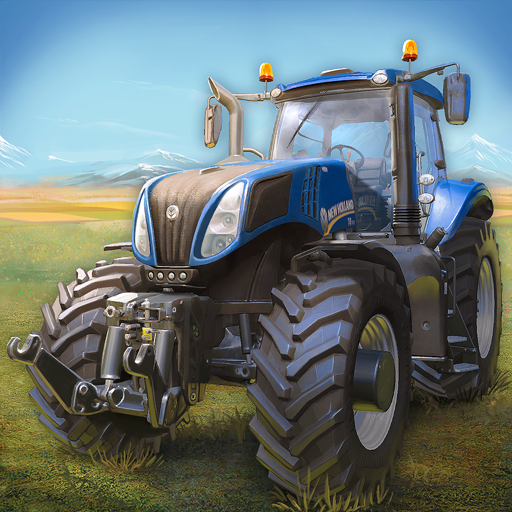
App Store Screenshots (5)


Design Analysis
Visual Design
App Insights
About Farming Simulator 16
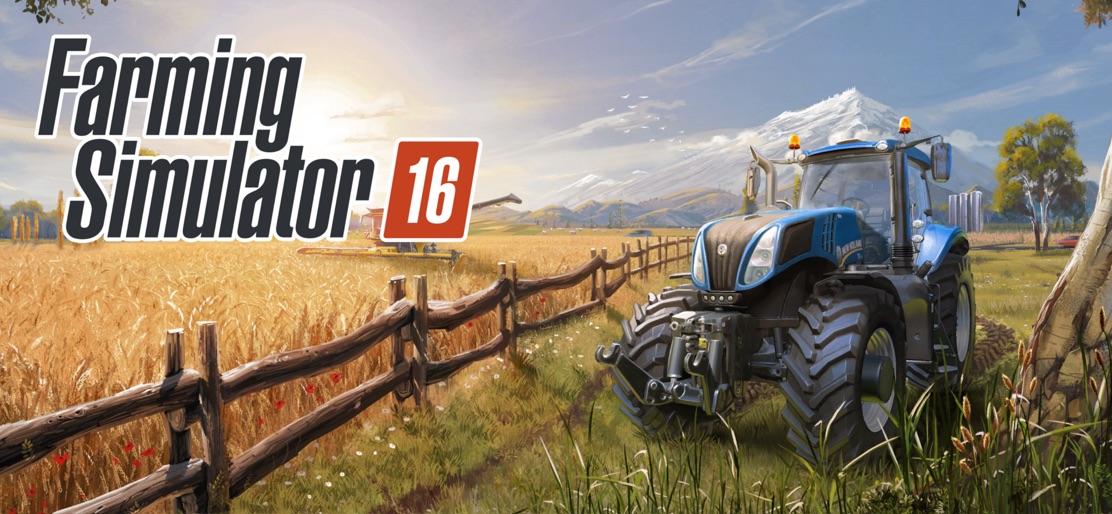
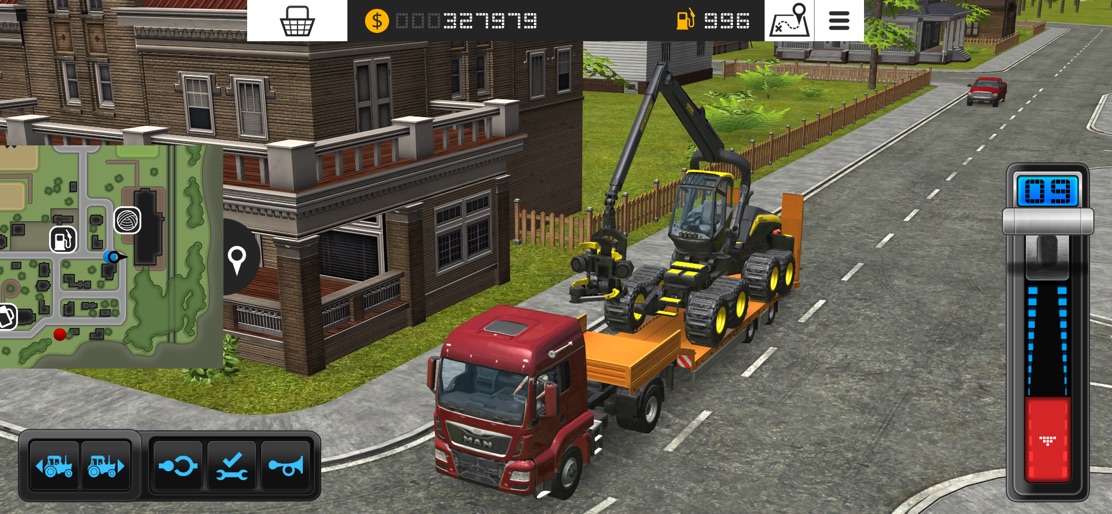
Manage your own farm and drive massive machines in an open world! Farming Simulator 16 allows you to manage your own realistic farm in extraordinary detail. Plant, grow, harvest, and sell five different crops, raise cows and sheep, and sell timber at your own pace. Buy new fields to expand your farm land. Take direct control of harvesters and tractors, or hire AI helps and manage your growing farm from the full screen management map. As the newest in the series of Farming Simulator games, this game has the best of agriculture simulation. The game features massive tractors and other machines from over 20 brands of agricultural manufacturers, including John Deere, New Holland, Case IH, Ponsse, Lamborghini, Horsch, Krone, Amazone, MAN and more. Features of Farming Simulator 16 include: - New 3D graphics show even more detail on your machinery! - Plant and harvest five different crops: Wheat, canola, corn, sugar beet and potatoes - Sell your crops in a dynamic market - Use realistic tractors and trucks from some of the biggest agriculture machine makers - Feed your cows and sheep to produce and sell milk and wool - Forestry has gone mobile! Harvest wood with dedicated machinery and sell the timber - Manage AI helpers for better results - Play with a friend in local multiplayer mode for WiFi and Bluetooth
Create screenshots like Farming Simulator 16
Use FlyerBanana's free editor to create professional App Store screenshots inspired by Farming Simulator 16's design. 100+ templates, device frames, and one-click export.
More Driving Apps
View all
Car Parking Games - Car Games
Driving

Modern Bus Simulator: Bus Game
Driving

Bus Simulator : 3D Bus Games
Driving


Offroad Car Parking: Car Games
Driving


Mega Truck Simulator Games 3D
Driving


Real Driving: Vehicle & Park
Driving