

Family Tree Maker & Heritage
MS GESTION&CONSEIL
App Store Screenshots (4)

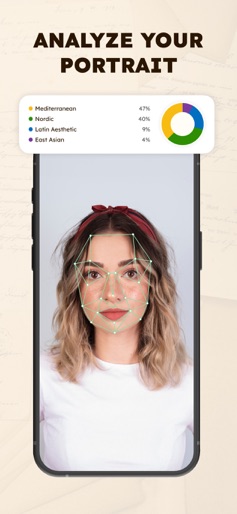


About Family Tree Maker & Heritage
Every family has a story — and yours deserves to be remembered. This app helps you bring your family history to life in the most personal way. Build your own family tree, add photos, and see how generations connect through time. From your great-grandparents to the newest members of the family, every name, every branch, and every memory becomes part of a larger story — your story. The process is simple yet deeply meaningful. You can record family ties, add important dates, and fill each profile with notes and precious memories. Over time, your tree becomes more than just a chart — it turns into a living archive of love, resilience, and connection. Your memories are stored safely and beautifully, so you can revisit them anytime and share them with those who matter most. Start building your family tree today and let your story grow — branch by branch, memory by memory. Privacy Policy: https://docs.google.com/document/d/1M-CivJkrltt3ANo91poE3J2BKDroCycos6K0sCs_GqE/edit?usp=sharing Terms of Use: https://docs.google.com/document/d/1ldbnf5DhbbHN3rzQHQpTyK7czLSAEFfstrgMMT-zYlQ/edit?usp=sharing
Create screenshots like Family Tree Maker & Heritage
Use FlyerBanana's free editor to create professional App Store screenshots inspired by Family Tree Maker & Heritage's design. 100+ templates, device frames, and one-click export.