
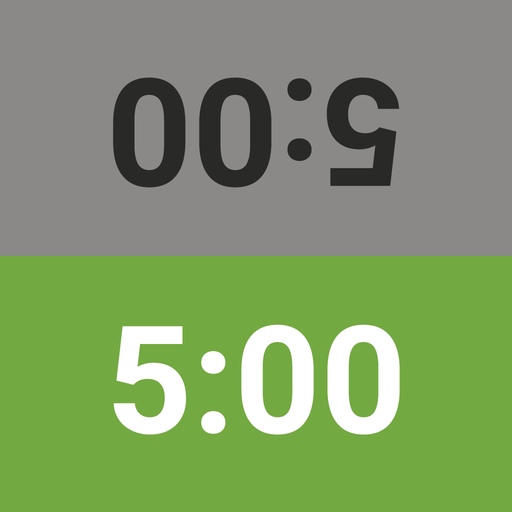
App Store Screenshots (6)


Design Analysis
Visual Design
Style: Custom
Key Features Shown
- •Dual-player timer
- •Preset time controls
- •Custom stage editor
- •Theme selector
- •Move counter
App Insights
Target: Offline chess players, tournament participants, and board game enthusiasts requiring precise time management.
- •Brand Ecosystem Entry
- •User Acquisition for Chess.com
- •Lead Generation
ASO Keywords:
About Chess Clock
Replace your chess clock with this free game timer! It's easy to use, yet fully featured to handle any time control. 100% free: no in-app purchases, no ads! Choose your time control and you're ready to play. The 2nd player presses her button to start the 1st player's clock - and the game is on! FEATURES - Large, easy-to-read buttons - Works in landscape and portrait on all devices - Quickly customize the app for one-tap access to all your favorite time controls - Time controls include base minutes per player and optional per-move delays or bonus time. The app supports both Fischer and Bronstein increments, as well as simple delays. The duration is up to you! - Supports multiple-stage time controls commonly seen in tournaments, such as "40 moves in 2 hours + game in 60 minutes." A glance at the clock shows your current stage! - Support for handicapping lets you set different time controls for each player! - You can adjust the time remaining on the fly, in the middle of your game, for either or both players! - Clock pauses automatically if the app is interrupted; manually pause the clock at any time - Pleasant sounds for buttons and "time's up" alert At Chess.com, we really do love chess, and *sometimes* we even play it offline! For times like that, we created this clock - and we hope you love it as much as we do.
Create screenshots like Chess Clock
Use FlyerBanana's free editor to create professional App Store screenshots inspired by Chess Clock's design. 100+ templates, device frames, and one-click export.






