
App Store Screenshots (8)





Design Analysis
Visual Design
Style: Custom
Key Features Shown
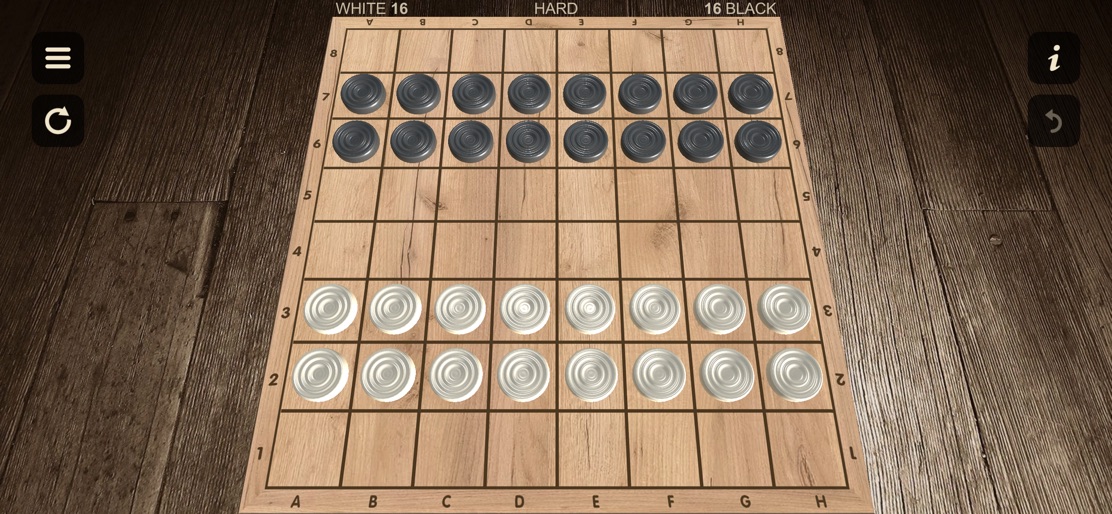
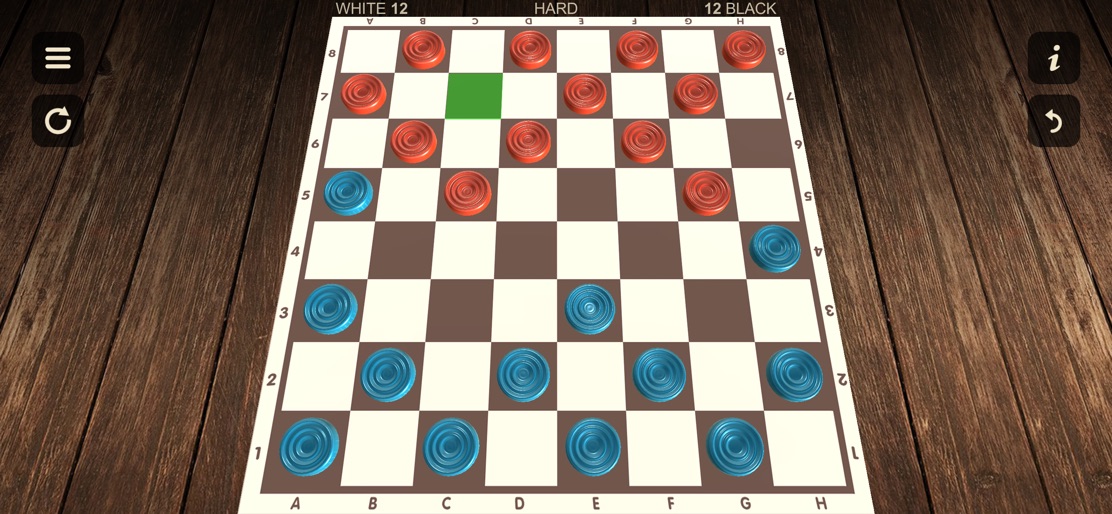
- •3D board perspective
- •Multiple wood textures
- •Move highlighting (green square)
- •Undo/Reset buttons
- •International 10x10 board support
- •Coordinate system (A-H, 1-8)
App Insights
Target: Casual gamers and board game enthusiasts looking for a digital version of classic draughts with local multiplayer capabilities.
- •Ad-supported (implied by free price and low revenue per download)
- •In-App Purchases (Themes, Ad-removal)
ASO Keywords:
About Checkers - Two player
Realistic classic checkers with 3D and 2D chessboard views. Our checkers come with 12 game rules and 8 themes to choose from. Classic checkers with the ability to play for 1 or 2 players, combining simplicity and realistic graphics. Thanks to our checkers you will have a good time playing with your family as well as with your friends. Rule support: - American Checkers (English Draughts) - International Checkers (Polish) - Canadian Checkers - American Pool - Spanish / Portuguese Checkers - Italian Checkers - Brazilian Checkers - Czech Checkers - Russian Checkers - Turkish Checkers - Thai Checkers - Malay (Singaporeans) Checkers Peculiarities: - Realistic graphics and animations - 3D and 2D view of the checkerboard - Sound effects - 8 themes available (wood pine, oak, birch, walnut), as well as (classic black, blue, green, brown) - 3 difficulty levels available - Highlighting possible moves - Undo moves - Auto save gameplay - 2 player mode with automatic board rotation in 3D and 2D mode - Support for 12 game rules - Information about the rules of the game
Create screenshots like Checkers - Two player
Use FlyerBanana's free editor to create professional App Store screenshots inspired by Checkers - Two player's design. 100+ templates, device frames, and one-click export.






