

App Store Screenshots (7)




Design Analysis
Visual Design
App Insights
About Budget Planner App - Fleur
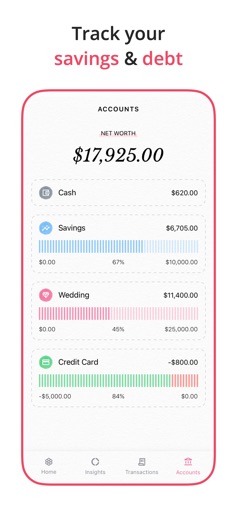
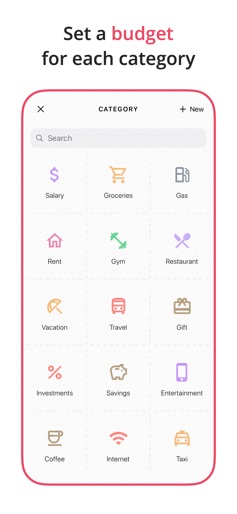
Fleur is a cute and simple budget planner and tracker app. The app allows you to easily add daily expenses and income. You can also set a monthly budget, create multiple accounts and track your debt. Fleur is an all in one app that will help you manage your money. Key Features: - Minimal, elegant, and aesthetically pleasing design - Easily log expenses and income - Set a monthly budget - View insights and understand spending habits - View transaction history - Add repeating transactions - Create new categories - iCloud sync - No sign in required - Easy search and filter Read more about our Terms & Conditions and Privacy Policy here: https://fleurbudget.com/privacy_terms.html We are always there for you! - If you are facing any issues or have questions, please feel free to email us. Hope you enjoy using our app as much as we do! :)
Create screenshots like Budget Planner App - Fleur
Use FlyerBanana's free editor to create professional App Store screenshots inspired by Budget Planner App - Fleur's design. 100+ templates, device frames, and one-click export.
More Finance Apps
View all

Zillow Real Estate & Rentals
Finance


Bank of America Mobile Banking
Finance


Robinhood: Trading & Investing
Finance


GEICO Mobile - Car Insurance
Finance


Branch: Instant Loan & Banking
Finance


FanDuel Sportsbook & Casino
Finance