

App Store Screenshots (9)




Design Analysis
Visual Design
App Insights
About BitePal: Food Tracker Pet
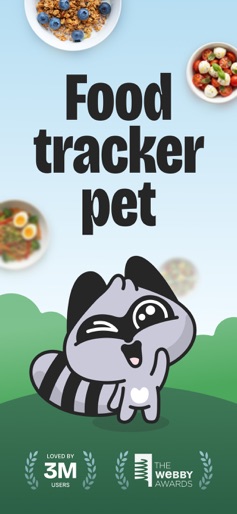
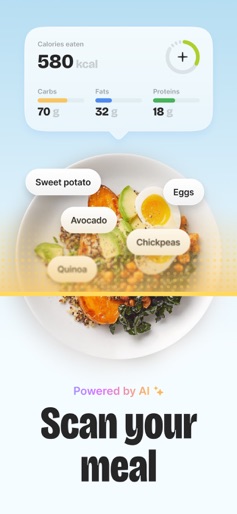
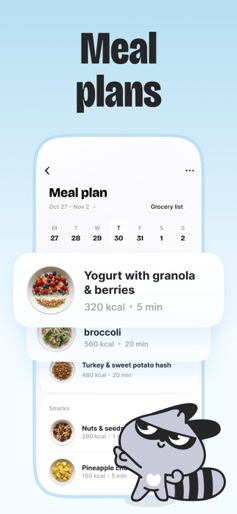
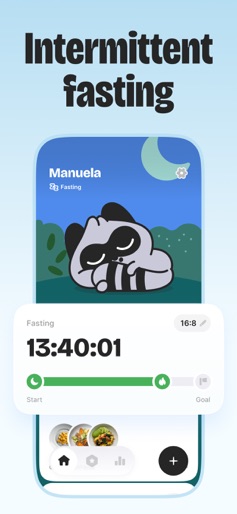
Meet BitePal — a gamified food tracking app with an AI scanner. Snap your meals, track effortlessly, and let a cute raccoon turn your weight goals into fun, easy habits you'll actually stick to. LOG MEALS IN SECONDS Skip the boring manual input. BitePal scans your food from a photo and instantly shows a clear nutrition score, key highlights, and simple guidance. Just snap, check, and go — tracking your meals has never been faster. TRACK CALORIES, WATER AND FASTING - Stay on top of your goals with a clean, friendly dashboard - See your calories, nutrients, and weight progress - Keep your water intake steady - Follow your fasting windows with gentle reminders HAVE FUN AND DRESS UP YOUR RACCOON Healthy eating feels easier when it’s playful. Personalize your raccoon with outfits, accessories, and seasonal looks that match your vibe. They react to your food choices with humor, attitude, and encouragement — making you actually want to keep up good habits. IMPROVE YOUR DIET See a friendly breakdown of your eating patterns: your strongest days, small wins, food preferences, and habits worth building. Get simple weekly meal plans tailored to your goals, with easy recipes and clear portions that help you stay on track without overthinking. Terms and conditions: https://bitepal.app/terms Privacy policy: https://bitepal.app/privacy
Create screenshots like BitePal: Food Tracker Pet
Use FlyerBanana's free editor to create professional App Store screenshots inspired by BitePal: Food Tracker Pet's design. 100+ templates, device frames, and one-click export.
More Entertainment Apps
View all

YouTube
Entertainment


Spotify: Music and Podcasts
Entertainment


TikTok - Videos, Shop & LIVE
Entertainment


Pandora: Music & Podcasts
Entertainment


Shazam: Find Music & Concerts
Entertainment


Photo Lab Picture Editor & Art
Entertainment