

App Store Screenshots (8)


Design Analysis
Visual Design
App Insights
About Battle Strategy: Tower Defense
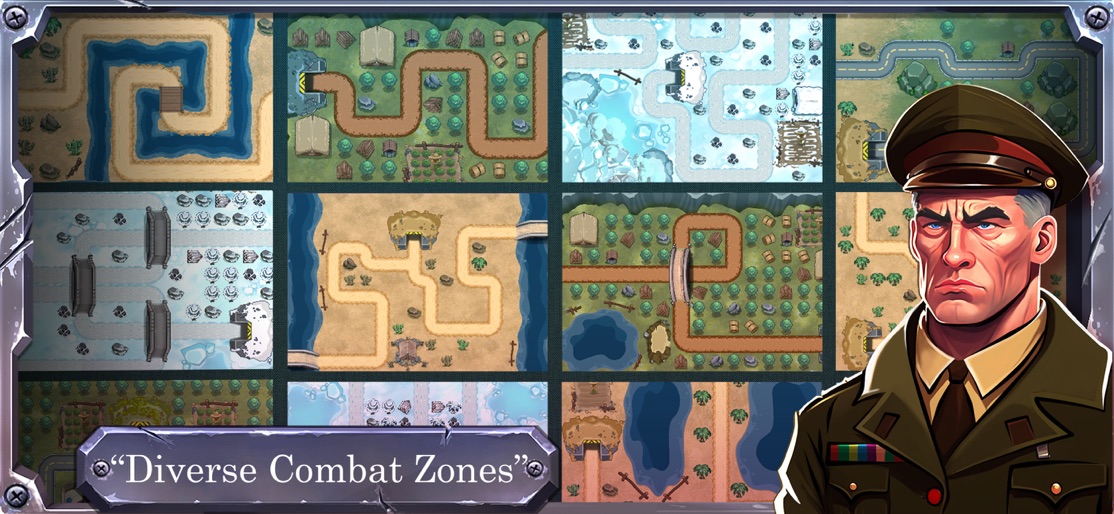
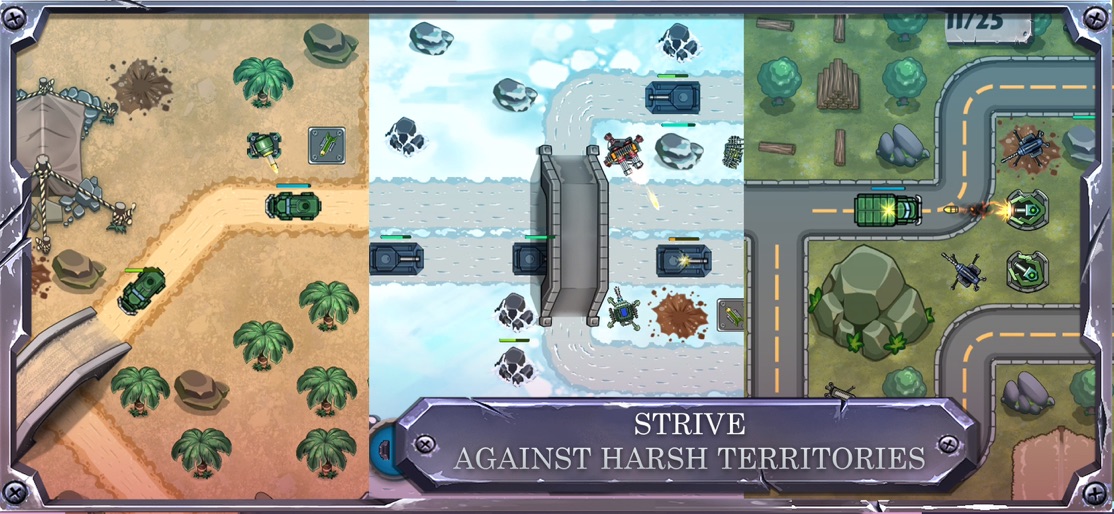
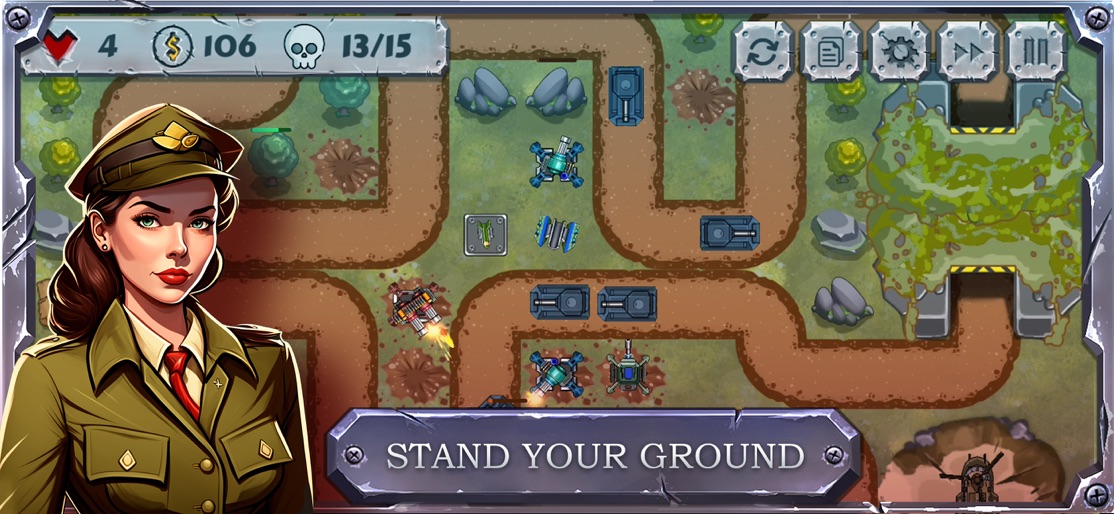
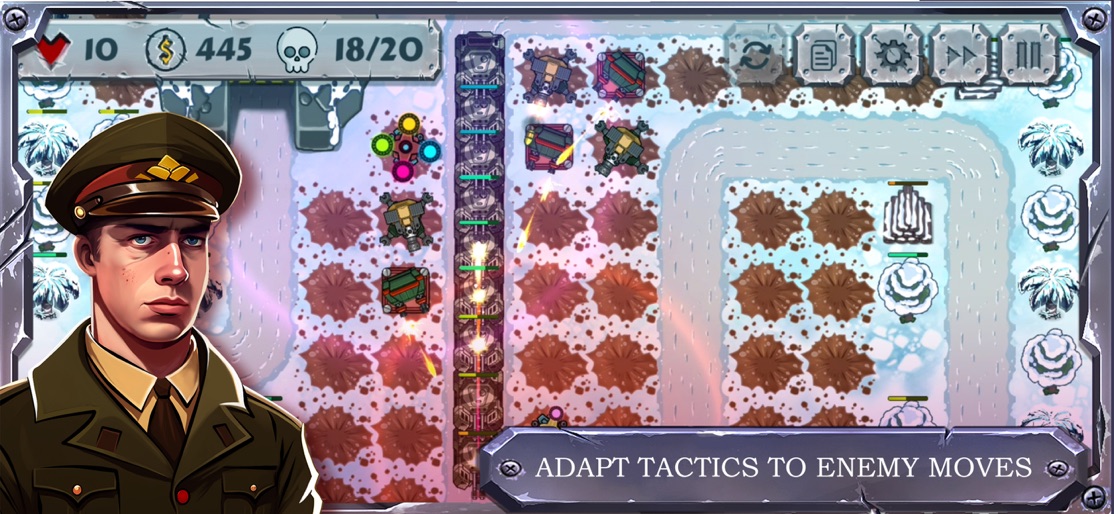
Battle Strategy: Tower Defense We are here again with a challenging, amazing, cool war game in military style. This Tower Defense (TD) needs your all concentration and focus. In this strategic game, you need to protect the base using tower defense (TD) and destroy your enemies as hard as you can. So: • Make your own strategy • Adjust weapons • kill all enemies and attackers • and protect of your tower Battle Strategy: Tower Defense (TD) game needs quick thinking, careful planning and doesn't excuse mistakes, bad defense can defeat your tower. In some special cases, you may have to change your previous strategy and use a new one. It could be a little scary and dangerous. If you like to war, defense and you’re good at designing strategies, don’t waste time, install and show yourself. pay attention: • Level up your weapons • Make a true strategy in its deadline • And upgrade items continuedly Play Battle Strategy: Tower Defense (TD) to test your skills in protecting your tower, defensive strength and planning a strategy, we hope you enjoy it. Requirements: • Wise strategy making • Quick plan designing • have talent in war controlling • Correct detection of the enemy's path • Use the right type of weapons • Good defense strategy • Tower Defense (TD) Try to pass all the stages with three stars to surpass your competitors. As you go on, it’s become harder and more complicated. So normally you need better strategy to defense your territory. Tower Defense (TD) is most important path and you should not let enemies in by a wise strategy. tower is yours so enemies want to Dominate your territory, here, everything depends on way of Tower Defense (TD). As you know, Tower Defense (TD) in this kind of war games, requires precision, patience and strategy. Use means, to defense tower. Upgrade means continuously and adjust them by your strategy. When you play Battle Strategy: Tower Defense (TD), you will learn: • How to reconnect with your intuition and instincts • How to consider a good strategy in wars • How to Tower Defense (TD) Meaning: What Is a Tower Defense Game (TD Game)? A Tower Defense game (also abbreviated as TD Game) is a strategy game where a single player defends a location or goods from the opposition by building structures that impede the opponent's movement Apple’s standard EULA: https://www.apple.com/legal/internet-services/itunes/dev/stdeula/
Create screenshots like Battle Strategy: Tower Defense
Use FlyerBanana's free editor to create professional App Store screenshots inspired by Battle Strategy: Tower Defense's design. 100+ templates, device frames, and one-click export.










