Audiobooks.com: Get audiobooks
Storytel Audiobooks USA LLC
Create Screenshots Like Audiobooks.com: Get audiobooksApp Store Screenshots (10)


Design Analysis
Visual Design
App Insights
About Audiobooks.com: Get audiobooks
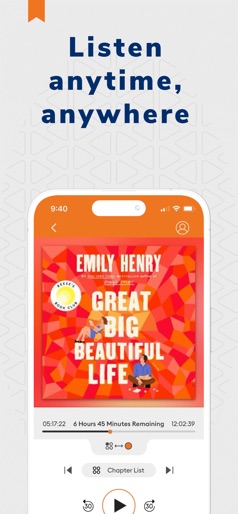
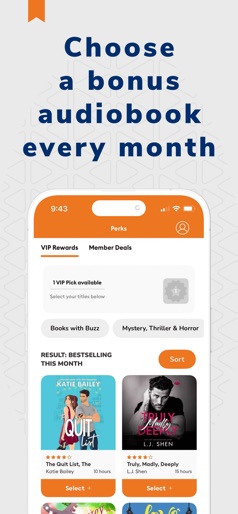
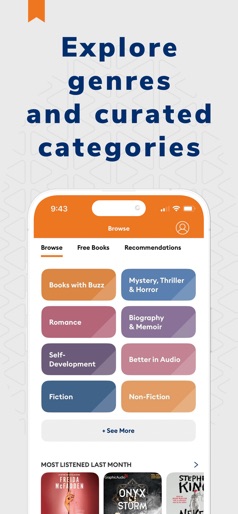
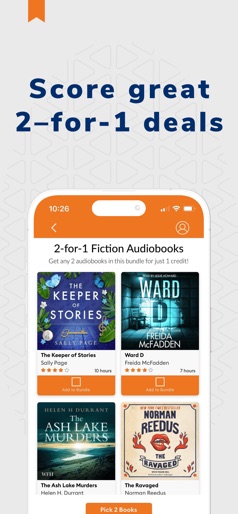
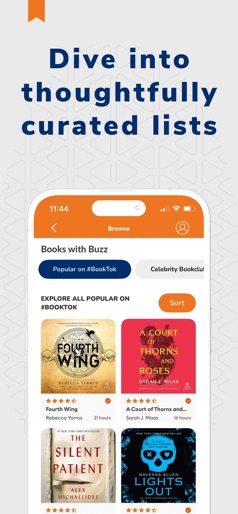
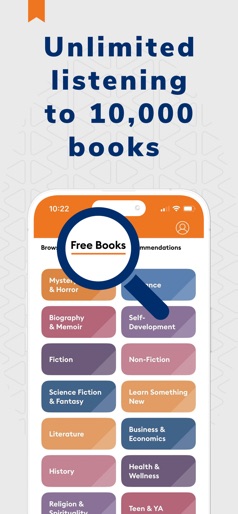
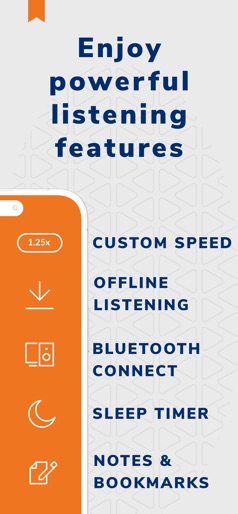
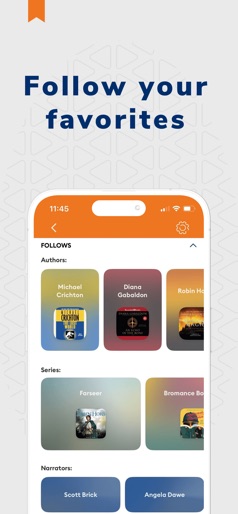
500,000+ audiobooks. 10,000+ free titles. Bestsellers, new releases, member deals & more. Escape into a story, learn something new, or wind down at night – Audiobooks.com puts an entire library of audio entertainment in your pocket. Stream or download newly released and bestselling books, true crime audiobooks, and relaxing sleep stories. Whether you’re commuting, working out, or relaxing, enjoy powerful storytelling wherever life takes you. TOP FEATURES • Free audiobooks – Access 10,000+ titles at no cost, no membership required • Monthly VIP selection – Enjoy bonus audiobooks handpicked for members every month • Massive library – Browse 500,000+ new releases and bestsellers across every genre: thrillers, romance, fantasy, memoirs, self-help, kids’ books, and more • Personalized recommendations – Get tailored suggestions based on your tastes and listening habits LISTEN YOUR WAY • Download for offline listening • Connect to CarPlay, smart speakers, and Bluetooth devices • Adjustable playback speed • Sleep timer & bookmarks • Custom notes and wishlists • Perfect for multitasking – listen while you drive, cook, exercise, or while reading your Kobo, Kindle, or print books SOMETHING FOR EVERYONE • Kids’ audiobooks for family listening • Wellness and meditation titles • Sleep stories and calming soundscapes • True crime, thrillers, and mysteries • Classics, memoirs, and more JOIN THE COMMUNITY • Rate and review your favorite listens • Refer friends and earn free credits • Unlock achievements and discover new features WHY SUBSCRIBE? Upgrade to a paid membership and enjoy: • 1 monthly credit for any premium title – yours to keep • 1 monthly VIP selection from our exclusive bonus catalog • Access to 2-for-1 deals and discounted à la carte titles • Personalized perks, recommendations, and pre-order offers READY TO LISTEN? Download Audiobooks.com today and discover a better way to read – with your ears. If you subscribe to Audiobooks.com via Apple where available, payment will be charged to your Apple Account at confirmation of purchase. You can manage your subscription anytime in your Apple account settings. Terms of Use: https://www.audiobooks.com/terms Privacy Policy: https://www.audiobooks.com/privacy
Create screenshots like Audiobooks.com: Get audiobooks
Use FlyerBanana's free editor to create professional App Store screenshots inspired by Audiobooks.com: Get audiobooks's design. 100+ templates, device frames, and one-click export.