

App Store Screenshots (10)



Design Analysis
Visual Design
App Insights
About Amerigo File Manager
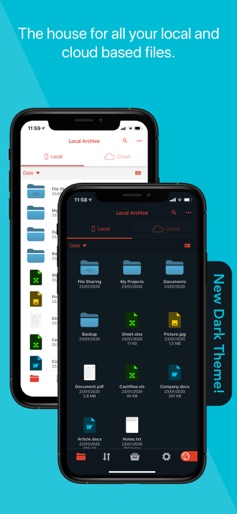
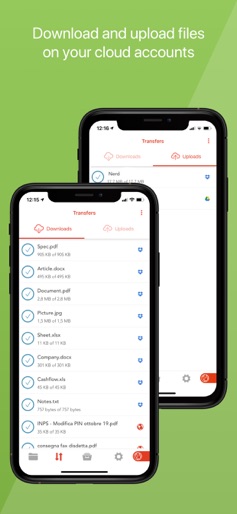
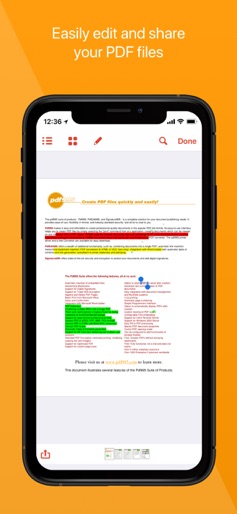
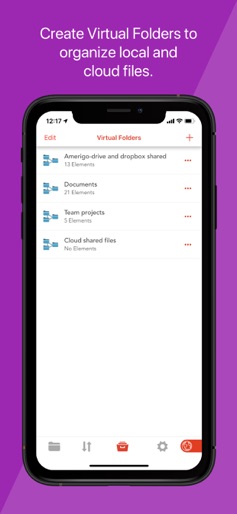
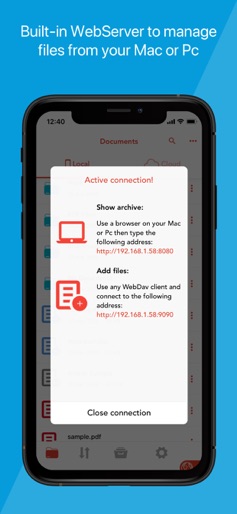
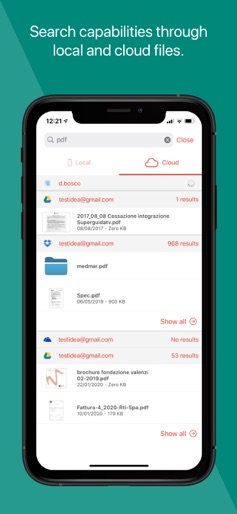
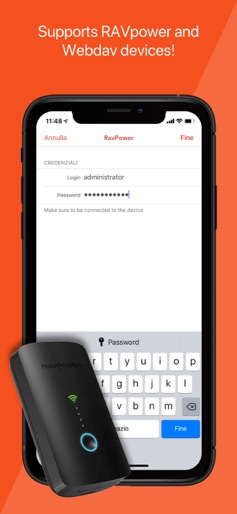
Amerigo is an enhanced file manager that allows you to manage and organize local and cloud-saved files. It's the only APP that allows to link multiple cloud (DropBox, Google Drive, OneDrive, iCloud Files) and offers iOS Files app integration to download and upload to any cloud from any app! For example if you receive an email, you can directly save the email attachments to one of the cloud linked in Amerigo, simply choosing "Save in files" in the action sheet. Virtual folders allows to group files that come from different sources (cloud/local): you can for example have a virtual folder with all the files that belongs to a project but are stored on different cloud storage providers. The Spotlight indexing of all local contents allows to immediately find and open the file you're looking for, without opening the app! You can also add more than one account for each clouds to increase your space! The integrated PDF viewer with enhanced annotation capabilities, automatically recognize common shapes and gestures, and allows to highlight paragraph by drawing a line over it. Main features: - iOS 11 Files app integration for ALL clouds linked to the app in read write mode. - Spotlight indexing of all content in the app. - Integration with the Dropbox, GDrive, OneDrive, iCloud services for remote file storage. - Search between all contents in the app and in the linked cloud storages thanks to the advanced search - Compression (zip) and decompression (zip & rar) of any files. - PDF editor with annotation, free-hand writing. - Support for all Microsoft Office files. - Simultaneous management of multiple Cloud accounts and management of folders shared with other users. - Enhanced bookmarks and history management. - URL autocomplete and search suggestions - Quick search bar, and enhanced search within all cloud and local files. - File archive with folders and subfolders capabilities. - PIN to hide selected folders. - Multi-tab fast internet browsing - Private browsing mode Available as in-app subscription: - No Ad & Ad Block for browsers: allows to stop advertising in the app, in the integrated browser and in Safari (by enabling the content block extension) • Free 7 days trial and then renew for a period of a month • Payment will be charged to iTunes Account at confirmation of purchase • Subscription automatically renews unless auto-renew is turned off at least 24-hours before the end of the current period • Account will be charged for renewal within 24-hours prior to the end of the current period, and identify the cost of the renewal • Any unused portion of a free trial period, if offered, will be forfeited when the user purchases a subscription to that publication • Subscriptions may be managed by the user and auto-renewal may be turned off by going to the user's Account Settings after purchase Terms of use (EULA) available at: https://www.apple.com/legal/internet-services/itunes/dev/stdeula/
Create screenshots like Amerigo File Manager
Use FlyerBanana's free editor to create professional App Store screenshots inspired by Amerigo File Manager's design. 100+ templates, device frames, and one-click export.

