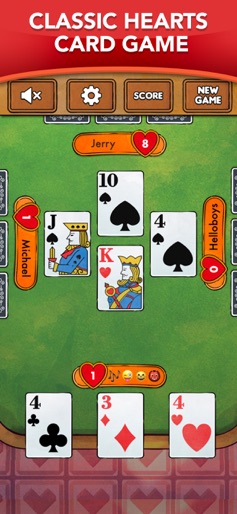
App Store Screenshots (9)


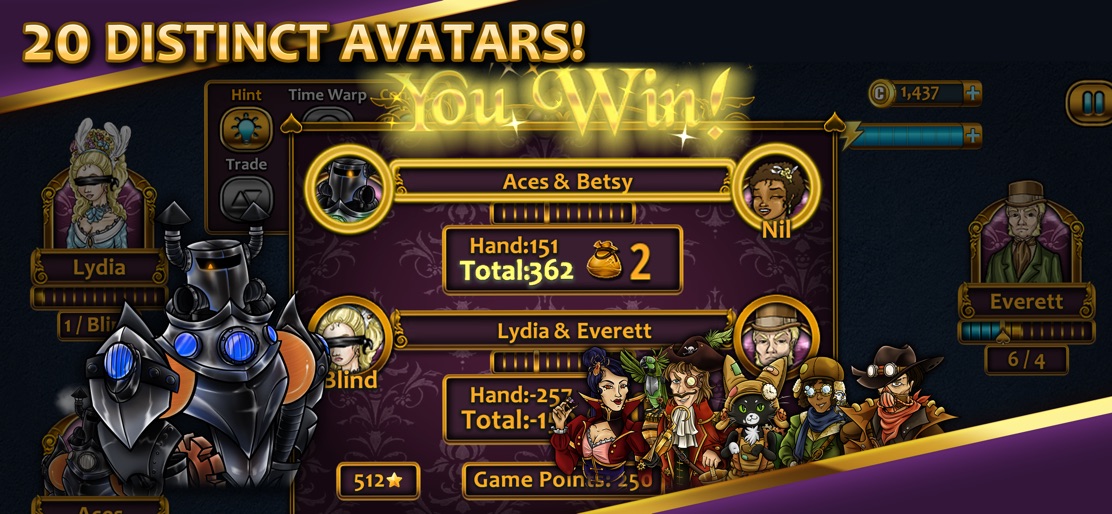

Design Analysis
Visual Design
Style: Custom
Key Features Shown
- •Victorian Character Avatars
- •Trick-taking interface
- •Coin-based currency system
- •Weekly Legends Leaderboard
- •Power-ups (Super Charge)
- •Achievement notifications
App Insights
Target: Casual gamers and card game enthusiasts, likely older demographics (35+) who enjoy classic trick-taking games and solo play against AI.
- •In-App Purchases (Coins/Gems)
- •Interstitial Ads
- •Rewarded Video Ads
- •Ad-removal IAP
ASO Keywords:
About Aces® Spades
If you’re looking for the finest card games available for mobile, Aces® has got them in Spades! The team that brought you Aces® Hearts, Aces Cribbage, and Aces Solitaire is back with a new offering in the Aces line of quality card games. Aces Spades brings the classic card game to mobile with gorgeous HD graphics, intuitive AI, and fully customizable gameplay. You’ll team up with one of 11 beautifully rendered Victorian-era characters to test your skill against a variety of colorful opponents, each with their own unique styles of play. Take tricks, bid nil, and pass to your partner in the most complete Spades experience available for mobile: Aces Spades! Game Features: • Play Standard, Mirror, Whiz, or Suicide • 11 distinct animated opponents • 5 difficulty levels and intuitive AI • Customizable bidding options • Gameplay suited for all skill levels
Create screenshots like Aces® Spades
Use FlyerBanana's free editor to create professional App Store screenshots inspired by Aces® Spades's design. 100+ templates, device frames, and one-click export.